1
62
en | Operation
MAP Control Center
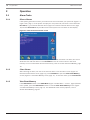
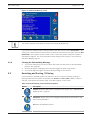
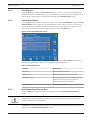
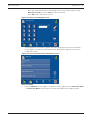
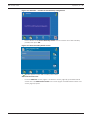
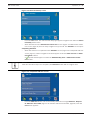
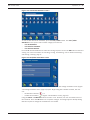
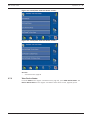
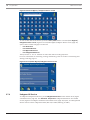
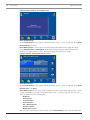
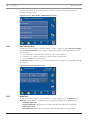
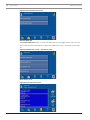
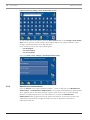
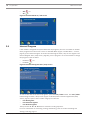
Figure 2.102 View Event Memory screen
Press Clear Events to delete the contents of the event memory.
2.10.2
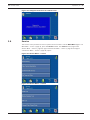
Clear Event Memory
For more information about event memory, refer to Section Event Memory, page 61
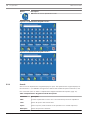
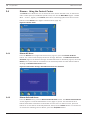
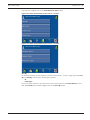
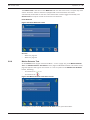
From the Event Memory screen (Figure 2.101 Event Memory screen, page 61), select Clear
Event Memory. The system deletes the contents of the event memory.
2.10.3
View Alarm Counter
This function allows the user to view the number of system alarms since the control center
was installed.
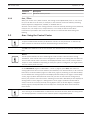
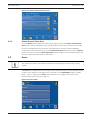
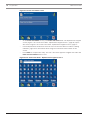
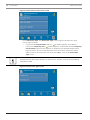
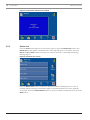
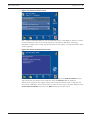
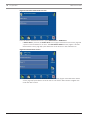
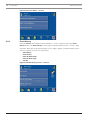
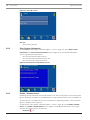
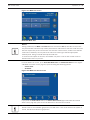
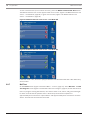
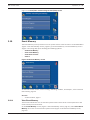
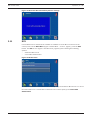
From the Event Memory screen (Figure 2.101 Event Memory screen, page 61), press View
Alarm Counter. The touch screen shows the alarm counter value (Figure 2.103 View Alarm
Counter screen, page 62).
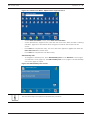
Figure 2.103 View Alarm Counter screen
2.10.4
Silence
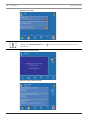
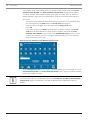
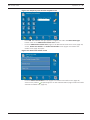
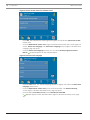
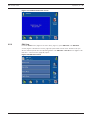
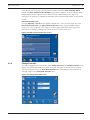
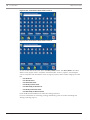
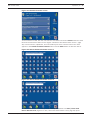
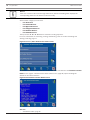
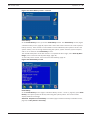
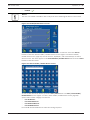
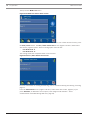
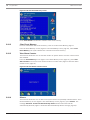
This function allows the user to silence the system buzzer and possibly activated alarms. From
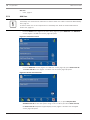
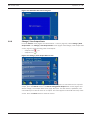
the Event Memory screen (Figure 2.101 Event Memory screen, page 61), press Silence. The
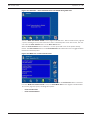
message Attention - Events will Automatically Silence shows that events will be
automatically silenced (Figure 2.104 Events Will Automatically Silence message, page 63).
2014.11 | 06 | F.01U.168.328
User Manual
Bosch Sicherheitssysteme, GmbH