1
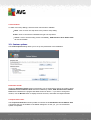
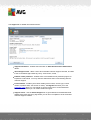
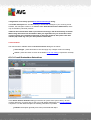
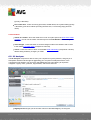
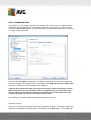
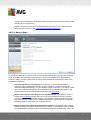
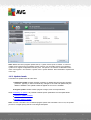
10.7.2. Infections Tab
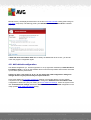
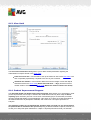
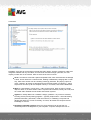
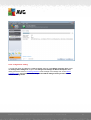
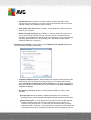
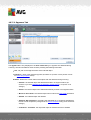
The Infections tab is only displayed in the Scan results dialog if a virus infection was detected
during scanning. The tab is divided into three sections providing the following information:
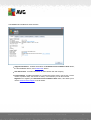
File - full path to the original location of the infected object
Infections - name of the detected virus (for details on specific viruses please consult the
Virus Encyclopedia online)
Result - defines the current status of the infected object that was detected during scanning:
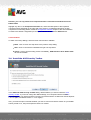
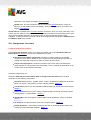
o Infected - the infected object was detected and left in its original location (for
instance if you have switched off the automatic healing option in a specific scan
settings)
o Healed - the infected object was healed automatically and left in its original location
o Moved to Virus Vault - the infected object was moved to the Virus Vault quarantine
o Deleted - the infected object was deleted
o Added to PUP exceptions - the finding was evaluated as an exception and added to
the list of PUP exceptions (configured in the PUP Exceptions dialog of the advanced
settings)
o Locked file - not tested - the respective object is locked and AVG is therefore
A V G A nti- V irus Free E dition 2 0 1 2 © 2 0 1 1 C opyright A V G T ec hnologies C Z, s .r.o. A ll rights res erved.
135