1
DMC-G6X&G6WGH-VQT4Z72_eng.book
21 ページ 2013年4月19日 金曜日 午後10時5分
Basic
Playing Back Pictures/Motion Pictures
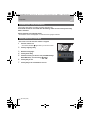
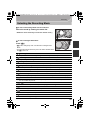
Playing Back Pictures
1
2
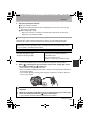
Press [(].
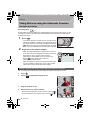
Forward or rewind the image by dragging the
screen horizontally.
Forward: drag from right to left
Rewind: drag from left to right
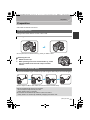
Playing Back Motion Pictures
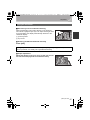
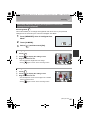
This unit was designed to play motion pictures using the AVCHD, MP4 and QuickTime
Motion JPEG formats.
A
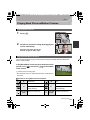
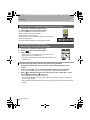
In Playback Mode, select a picture with the motion
picture icon ([
]) and touch [
] in the middle
of the screen.
12s
A Motion picture recording time
• After playback starts, the elapsed playback time is displayed on
the screen.
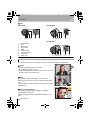
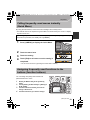
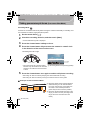
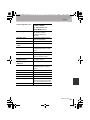
∫ Operations during Motion Picture Playback
3
Play/Pause
4
Fast rewind
2
Frame-by-frame rewind
(while pausing)
Rear dial Reduce volume level
(left)
Stop
Fast forward
1
Frame-by-frame forward
(while pausing)
Rear dial Increase volume level
(right)
(ENG) VQT4Z72
21