1
MicroDock II
Adding Another Docking Module
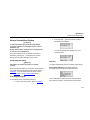
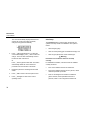
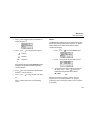
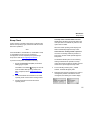
13. From the station, access the user options menu.
14. Press C
option.
or C
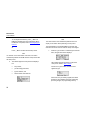
17. From the station, press C
meter displays 350 ml/m.
or C
until the flow
to scroll to the Pump Setup
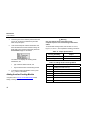
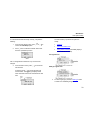
15. Press C sel to activate the pump setup field
(: changes to *).
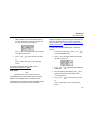
The station immediately begins pumping the
ambient air.
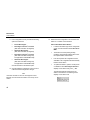
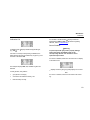
The factory default pump speed displays beside
Pump Setup. The station pump setup is measured
as a percentage (%) and the flow meter is
measured in ml/min.
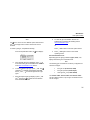
18. From the station, press exit C to save the new
value and deactivate the Pump Setup field
(* changes to :).
19.
Press C exit again to return to the normal
operating screen.
20.
Repeat steps # 1-19 for each docking module that
is added. Continue to step #21 and 22 for the last
module added.
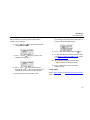
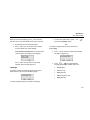
21.
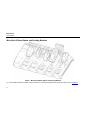
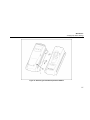
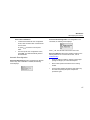
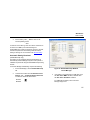
After all of the modules have been added, attach
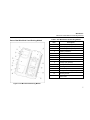
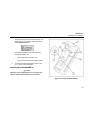
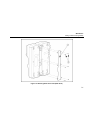
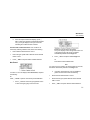
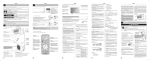
the end plate (refer to Figure 11).
22.
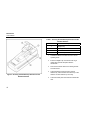
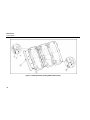
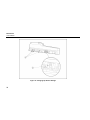
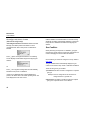
Fasten the bottom cover plate to the space
between the two docking modules using six Philips
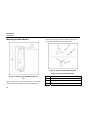
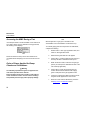
flat-head screws (refer to Figure 12).
Note
The station is shipped with the factory default pump speed
set to 350 ml/min. (40-45%).
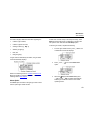
16. Monitor the flow meter until the unit stabilizes
(5-20 minutes depending upon the type of
flow meter).
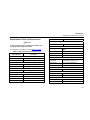
Note
When assembling or reassembling parts of the station
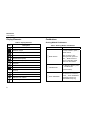
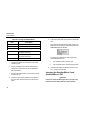
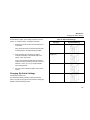
and docking modules, refer to the Table 11 Torque
Specifications.
23