1
12 WORKING WITH SERVER PROJECTS
NEW! Working with Cameo Team Server
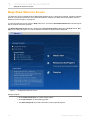
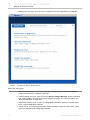
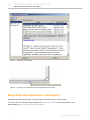
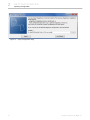
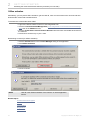
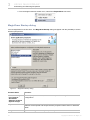
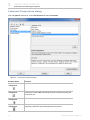
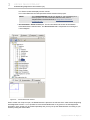
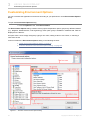
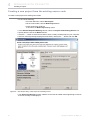
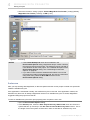
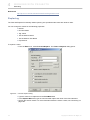
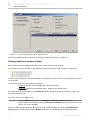
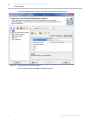
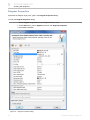
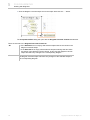
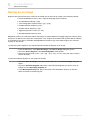
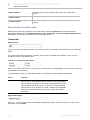
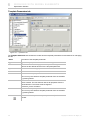
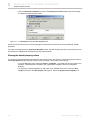
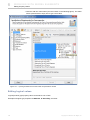
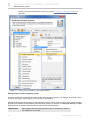
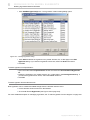
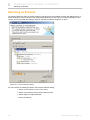
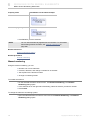
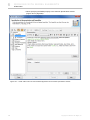
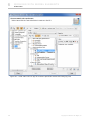
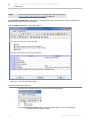
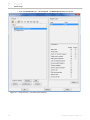
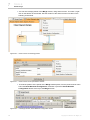
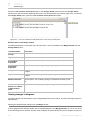
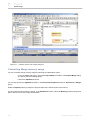
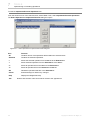
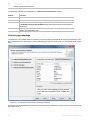
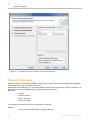
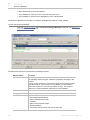
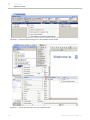
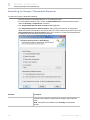
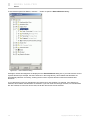
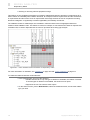
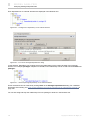
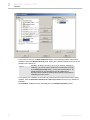
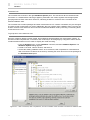
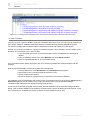
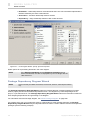
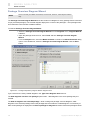
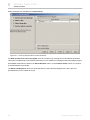
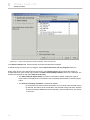
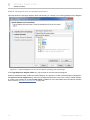
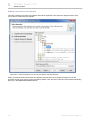
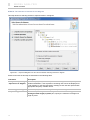
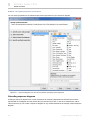
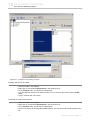
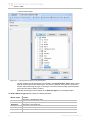
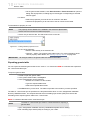
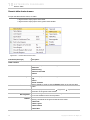
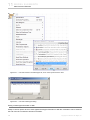
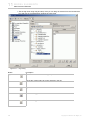
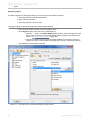
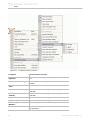
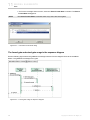
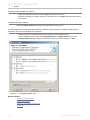
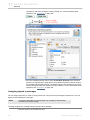
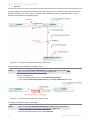
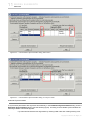
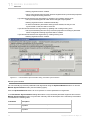
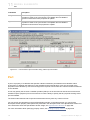
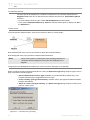
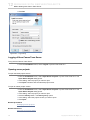
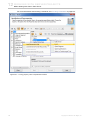
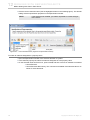
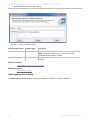
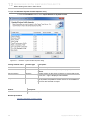
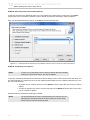
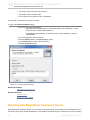
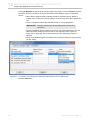
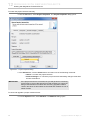
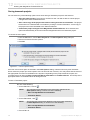
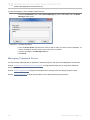
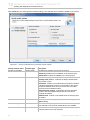
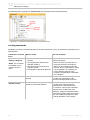
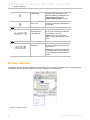
To open the Open Server Project dialog
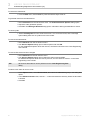
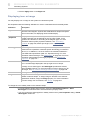
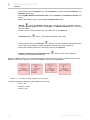
• From the Collaborate menu, select Open Server Project or press CTRL+SHIFT+O.
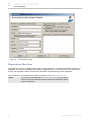
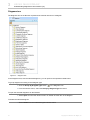
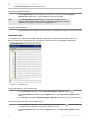
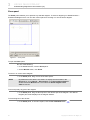
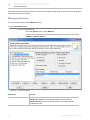
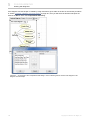
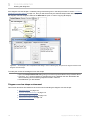
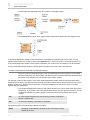
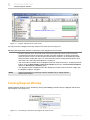
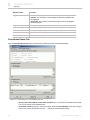
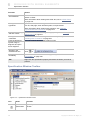
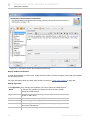
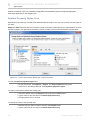
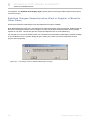
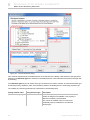
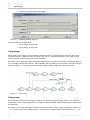
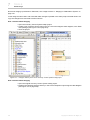
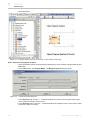
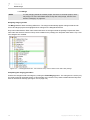
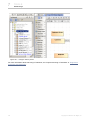
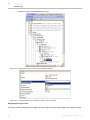
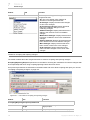
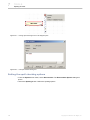
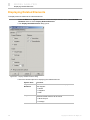
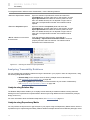
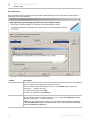
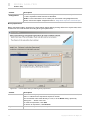
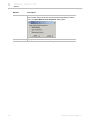
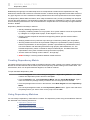
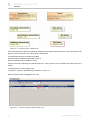
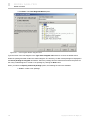
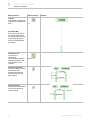
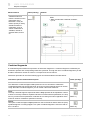
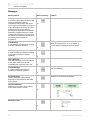
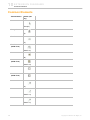
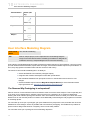
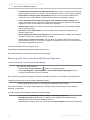
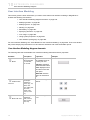
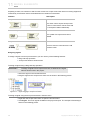
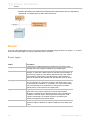
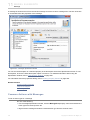
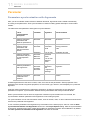
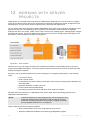
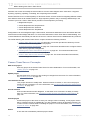
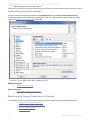
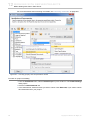
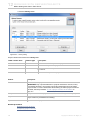
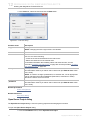
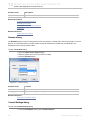
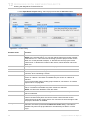
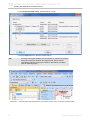
Figure 507 -- Open Server Project dialog
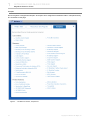
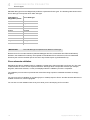
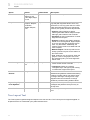
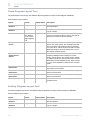
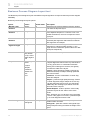
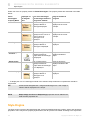
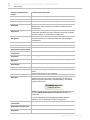
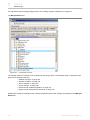
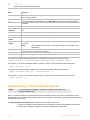
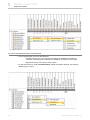
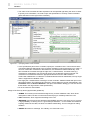
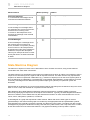
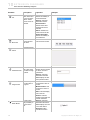
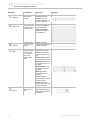
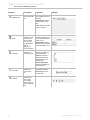
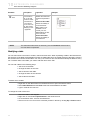
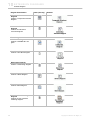
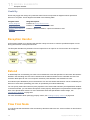
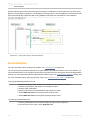
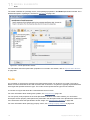
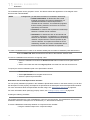
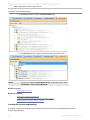
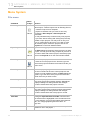
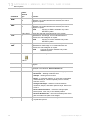
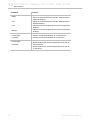
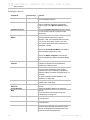
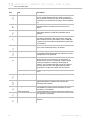
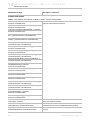
Server projects are listed in the Project library table.
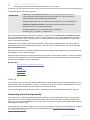
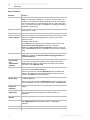
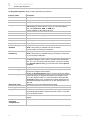
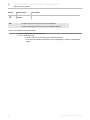
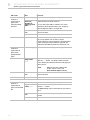
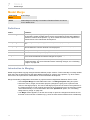
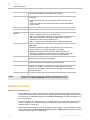
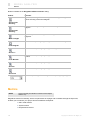
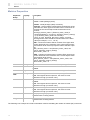
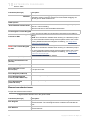
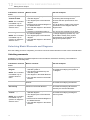
Table column name
Element type
Description
Name
Text box
A name of the project. Non editable.
Version
Text box
A number of project versions on the server. Non editable.
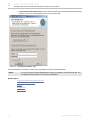
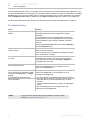
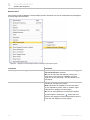
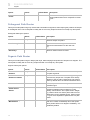
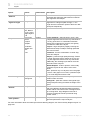
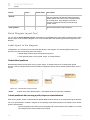
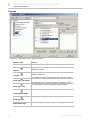
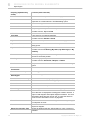
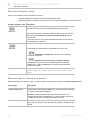
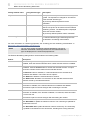
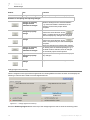
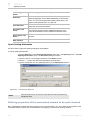
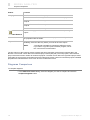
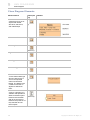
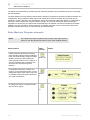
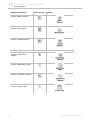
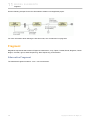
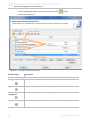
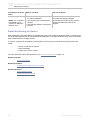
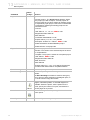
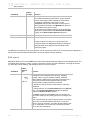
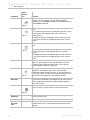
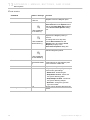
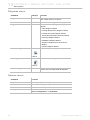
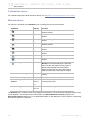
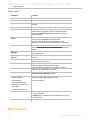
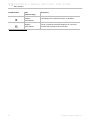
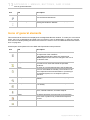
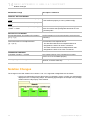
Button
Description
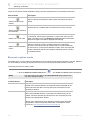
History
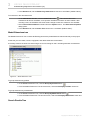
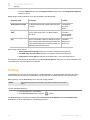
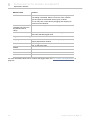
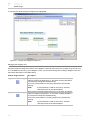
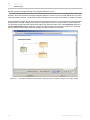
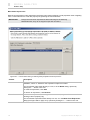
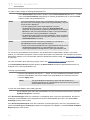
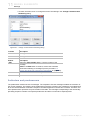
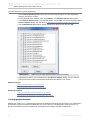
Opens the History dialog wherein you can manage all versions of the selected
project.
Open
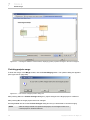
Opens the latest version of the selected project.
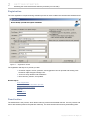
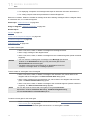
Related procedures
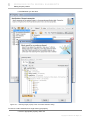
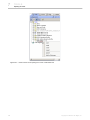
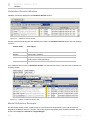
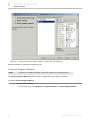
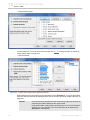
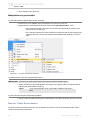
Opening server projects
Related references
History dialog
802
Copyright © 1998-2011 No Magic, Inc..