1
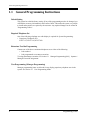
General Programming
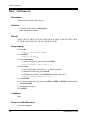
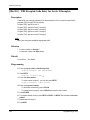
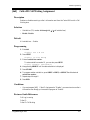
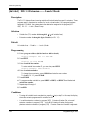
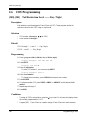
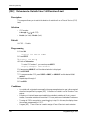
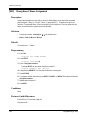
[621] Cordless PT Extension Port
Description
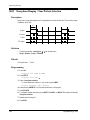
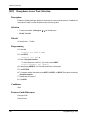
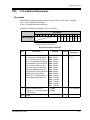
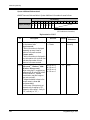
Prevents the cordless PT speakerphone functions from working in the following cases, if
connected to extension ports such as KX-T7880, KX-T7885, KX-T7894, KX-T7895;
1. BGM: start or end the BGM.
2. LCS: work on the private mode even if the hands-free mode is set.
3. A voice calling: using a voice calling.
Only Ring-calling can be used.
4. Paging: using the paging features.
Selection
• Jack number: 01 through 32,
• Yes (prevent) / No (allow)
( =all jacks)
Default
All jacks — all outside lines — No
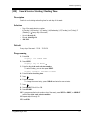
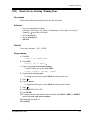
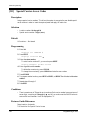
Programming
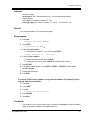
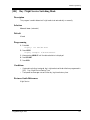
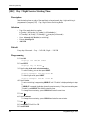
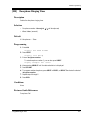
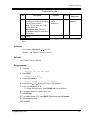
1. Enter a 621.
Display example: 621 CORDLESS EXT
2. Press NEXT.
Display: Jack NO?
3. Enter a jack number.
To enter jack number 01, you can also press NEXT.
Display example: #01:No
4. Keep pressing SELECT until the desired selection is displayed.
Display example: #01:Yes
5. Press STORE.
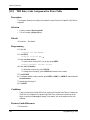
6. To program another jack, press NEXT or PREV, or SELECT and the desired jack
number.
7. Repeat steps 4 through 6.
8. Press END.
Conditions
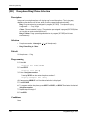
• If "Yes" is selected for a jack for wired PT, the speakerphone functions written in the
description do not work. Connect a cordless PT if "Yes" is selected.
168
Programming Guide