1
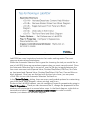
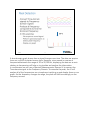
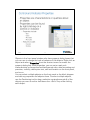
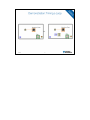
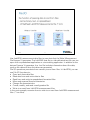
This is the application we will be building throughout this workshop. We will be
breaking down each of the components of our audio equalizer and understanding
what each aspect of this program is contributing to the final project. We will then
rebuild the project taking time to explain the LabVIEW environment and helpful
programming tips and tricks throughout this session.
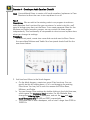
You can find this file by navigating to the <Workshop VIs>\Audio Equalizer with
xxx.vi. If you are using hardware, select Audio Equalizer with Hardware.vi and if you
are using your sound card select Audio Equalizer with Sound Card.vi.
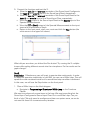
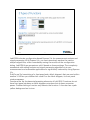
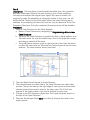
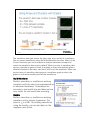
To run our first VI, double-click on the VI file and LabVIEW will open up. Take some
time to explore the two windows that pop up. Navigate to the window with the
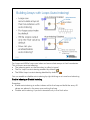
gray back ground. In the upper left hand corner, click on the white arrow. This will
start the program so you can explore the VI. After starting your VI, send audio to the
program by either making sounds into the microphone or starting music on your
mp3 player. You can modify the sound of the audio by clicking on the tabs and
sliders to produce different effects and listen to the changes in your
headphones/speakers!
Note: Make sure you completed Exercise 1 before attempting to run this VI.