1
Additional Functions
4.7.2
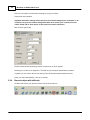
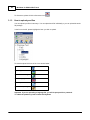
Create and upload new stamps
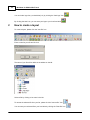
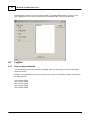
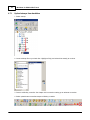
1. Save the stamp messages to a text file on your hard drive. If a file contains multiple messages,
please arrange them on separate lines underneath each other.
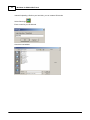
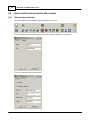
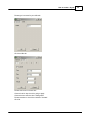
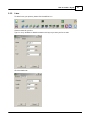
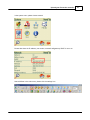
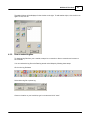
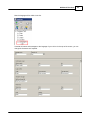
2. Select stamps.
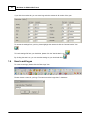
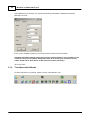
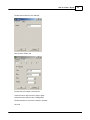
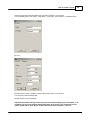
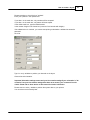
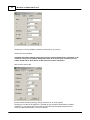
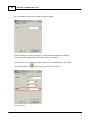
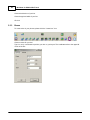
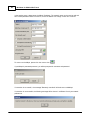
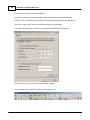
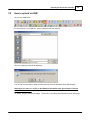
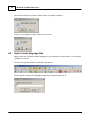
3. Select a text file from your hard drive (1).
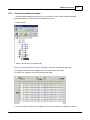
Each line in the text file will be saved as a bitmap file and shown in the window below (2).
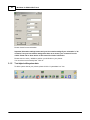
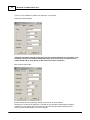
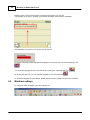
To change the order of the files, highlight a line and use the arrow buttons (3).
To delete a line, highlight it and select the paper basket (4).
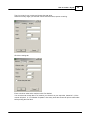
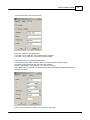
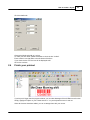
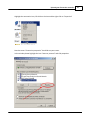
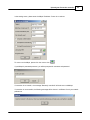
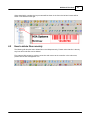
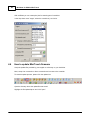
4. Connect to Minikey controller. See chapter in this manual on setting up an ethernet connection.
© 2010 HSA SYSTEMS
71