1
Monitoring Your Cable Modem and Connected Network
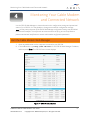
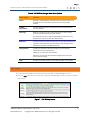
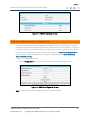
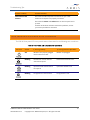
Figure 10 – SB6190 Event Log Screen
View the Cable Modem Network Connection Information
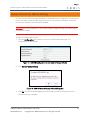
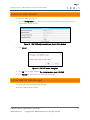
The SB6190 Addresses screen provides network connection information between the SB6190
and your computer.
To open the Addresses screen:
1. Click the Addresses menu button or link on the SB6190 Web Manager screen.
2. Click Refresh (F5) in your Web browser to reload the information on the screen.
SURFboard SB6190 Cable Modem • User Guide
365-095-28610 x.2
Copyright 2015 ARRIS Enterprises, Inc. All rights reserved.
14