1
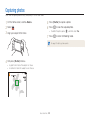
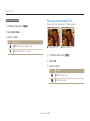
Capturing photos
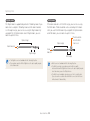
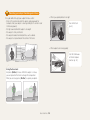
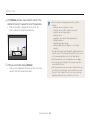
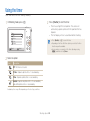
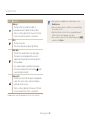
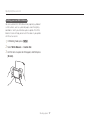
• OIS may not function properly when:
-
you move your camera to follow a moving subject
you use the Digital zoom
there is too much camera shake
the shutter speed is slow (for example, when you capture night
scenes)
- the battery is low
- you capture a close-up shot
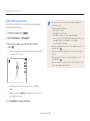
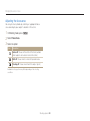
• If you use the OIS function with a tripod, your images may be blurred
by the vibration of the OIS sensor. Deactivate the OIS function when
you use a tripod.
• If the camera is hit or dropped, the display will be blurry. If this occurs,
turn off the camera, and then turn it on again.
Basic functions 34