1
iHOGA
User Manual
161
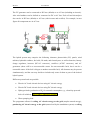
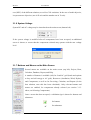
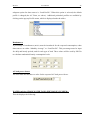
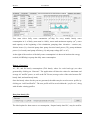
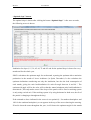
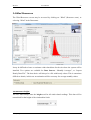
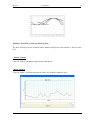
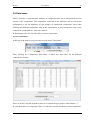
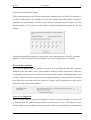
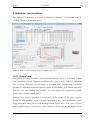
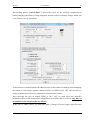
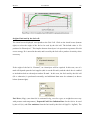
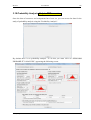
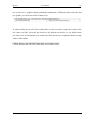
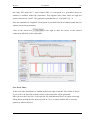
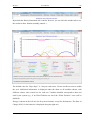
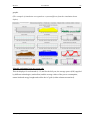
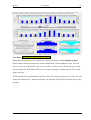
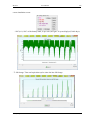
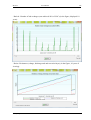
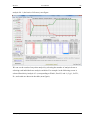
(next figure), the simulation screen is shown below.
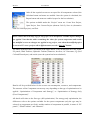
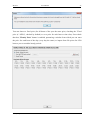
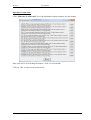
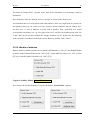
If you click the button "Save Prob. Data", the results of the N+5number probability variables series are
saved in Excel format.
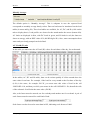
If you open the file with Microsoft Excel, it reports a message, you must answer “Yes” and it
opens correctly. In Microsoft Excel, you should save the Excel file as xlsx format (in Excel,
use “Save As” and choose file format xlsx”), then the next time you open the xlsx file Excel
will not ask you any question.
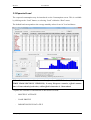
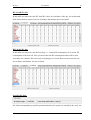
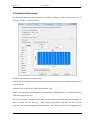
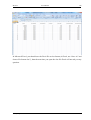
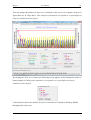
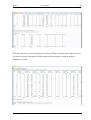
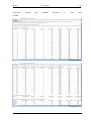
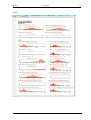
The Excel shows the results for each of the N series (cases prob. numbers 0 to N-1, in the
example cases 0 to 499) and for each of the cases 5number
of probability variables
(combinations of
average, average + Std. Dev., average + 3Std. Dev., average - Std. Dev, average - 3Std. Dev.
of different variables taken into account in the probability anaylsis, cases numbers N to
N+5number of probability variables -1, in the example cases 500 to 524). It also shows the minimum,
R. Dufo-López.