1
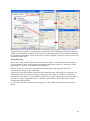
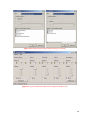
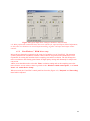
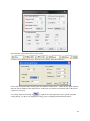
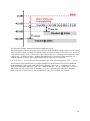
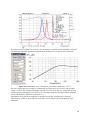
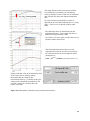
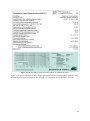
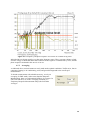
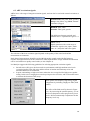
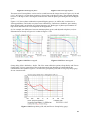
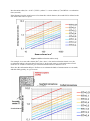
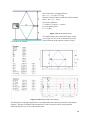
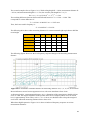
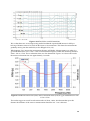
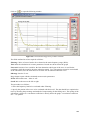
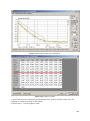
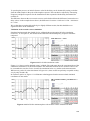
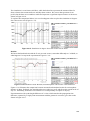
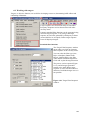
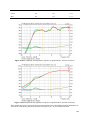
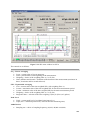
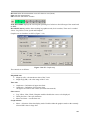
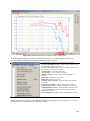
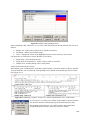
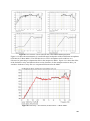
Update updates graphics after entering new parameters. Default sets default values. Figure 7.2.5 SPL statistics. The main menu includes the following commands: File Save SPL history file = save the SPL data as a .spl file. Open SPL history file = Load from .spl files. Export (exports data in text format) ASCII (1s logged): Exports Leq, SPL and Lpeak in second increments ASCII (100ms logged): Exports SPL(Fast) in 100msec increments CSV (1s logged): Exports Leq, SPL and Lpeak in second increments in CSV format CSV (100ms logged): Exports SPL(Fast) in 100msec increments in CSV format. File statistics and user info: SPL statistics and user-entered information on the current .spl file (see Figure 7.2.5). With 'Copy' the data will be copied to the clipboard. Edit Copy: copies the chart to the clipboard B/W background color: switch to black/white. Setup Calibrate audio device: opens the calibration menu Setup audio devices: opens the soundcard setup menu. 162