1
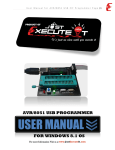
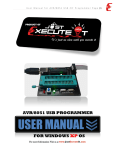
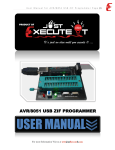
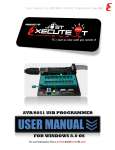
Atmel S51 AVR USB Programmer
For the Atmel 8051 Core and AVR Core MCU
Where to Find the
Hardware ?
You can avail the S51 AVR USB Programmer from
Heart Systems, Baguio City. Visit
http://www.1diycentre.com
for more information.
Where to Find the
Software ?
1
Software Driver
Installations
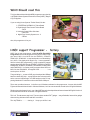
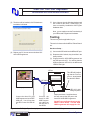
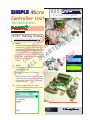
{1} Insert the Atmel S51 AVR USB Programmer
into a free USB port of your PC. Choose a
USB port that you will use now and will use in
the future.
{2} You will see that the Atmel S51 AVR USB Programmer LED will lit.
{3} If the driver is not in package with the Windows, it will ask for the software driver.
If you avail the the S51 AVR USB Programmer Hardware from Heart Systems, Baguio City, the software will be included in the CD ROM. You can also
download from http://www.1diycentre.com.
Software Installations
Uncompressed the file
ProgISPV1.72.rar
After uncompressing, look for the progisp icon.
Double Click this icon will open ProgISP version
1.72. Thanks to Zhefengsoft for the nice English
Software for Windows Users.
myhobby Educational Trainer
Heart
EAF 2 Electronics Series
Systems
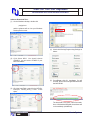
Choose the, Install from a list of specific Location, then click Next
{4} Click Browse and find the USBasp_win folder
on the AVR Fighter main folder. Click Next.
Heart Systems