1
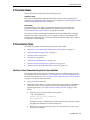
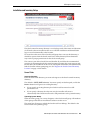
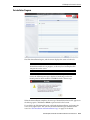
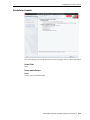
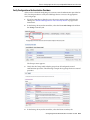
STA Graphical Installer Screens
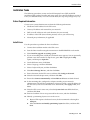
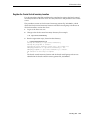
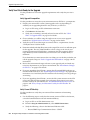
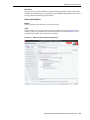
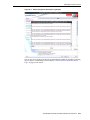
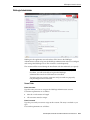
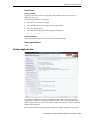
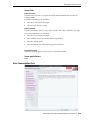
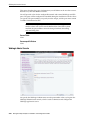
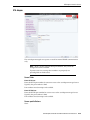
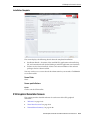
WebLogic Administrator
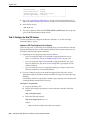
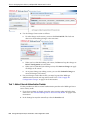
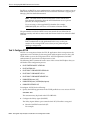
WebLogic is the application server that hosts STA. You use the WebLogic
Administrator account to log into the WebLogic administration console to configure
and manage the WebLogic server. This account is used infrequently.
The account will be created during the installation with the credentials you specify.
Caution: Make a secure record of these account credentials; if you
lose them, you will not be able to log into the WebLogic
administration console and STA must be re-installed.
To protect your site security, usernames and passwords are purposely
not preconfigured nor hard-coded.
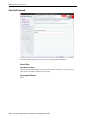
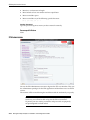
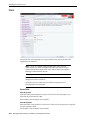
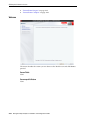
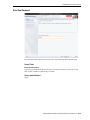
Screen Fields
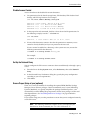
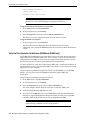
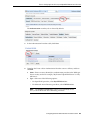
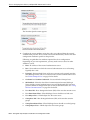
Enter Username
Type the name you want to assign to the WebLogic Administrator account.
Username requirements are as follows:
■
Must be 1–16 characters in length
■
All usernames must be unique
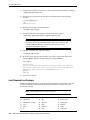
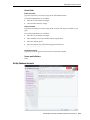
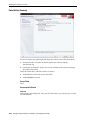
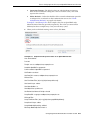
Enter Password
Type the password you want to assign to this account. The entry is masked as you
type.
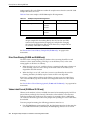
Password requirements are as follows:
STA Graphical Installer and Deinstaller Screen Reference
A-17













![[1 ] StorageTek SL8500](http://vs1.manualzilla.com/store/data/005684950_1-d7f31af8d49e38e9e4476c8a63e026d0-150x150.png)