1
ENGLISH
ATF EVOLUTION - Cleaning and service device for Automatic Transmissions • • • User‘s manual
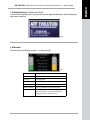
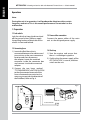
8.5 Date & Time
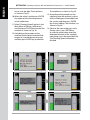
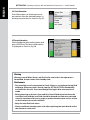
Select [Date & Time] option on the Main
Menu of [System Setting] and then
press ENTER key to enter the interface as
shown in Fig. 44.
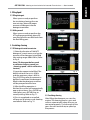
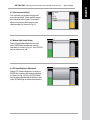
a) Set Date
On the menu of [Date & Time], please
select [Set Date] option, and then
press ENTER to confirm, the interface
is as shown in Fig. 45.
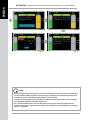
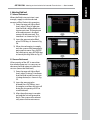
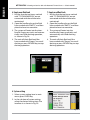
Fig. 44
According to the prompts on the interface, enter the date (4 bits for year, 2 bits
for month and other 2 bits for date), and
then press ENTER key to confirm. The
interface prompts “OK”.
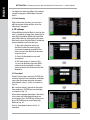
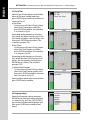
b) Set Time
On the menu of [Date & Time], please
select [Set Time] option, and then
press ENTER to confirm, the interface
is as shown in Fig. 46.
Fig. 45
According to the prompts on the interface, enter the time (2 bits for hour and
other 2 bits forminute), and then press
ENTER key to confirm. The interface
prompts “OK”.
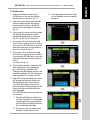
c) Select Date Format
On the menu of [Date & Time], please
select [Set Date Format] option, and
then press ENTER to confirm, the interface is as shown in Fig. 47.
Fig. 46
Select the desired date format, and then
press ENTER key to confirm.
Fig. 47
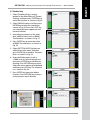
8.6 Language setting
Select the language setting and press
ENTER key to enter the setting interface
as shown in Fig. 48. Press [UP]/[DOWN]
key to select the desired language, and
then press ENTER key to confirm and
return.
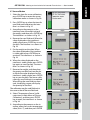
Fig. 48
17