1
HD Network Camera User’s Manual
HD Network Camera User’s Manual
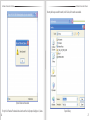
1.4 ADSL Setup
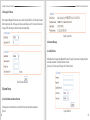
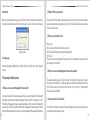
ADSL setup as figure 1.10
The username and password of the ADSL are provided by network operators, enter the correct username and
password, enable ADSL and save it.
It can run correctly on premise that the username, password and the confirm password is correct.
It will prompt error while the password and confirm password is incorrect. In order to verify the ADSL is run correctly,
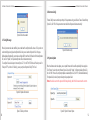
you can enable DDNS and access the device by domain name. enable DDNS as figure 1.11 DDNS Setup)
Figure 1.10 ADSL Setup
1.5 DDNS Setup
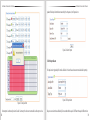
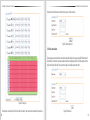
Figure 1.9 WIFI Setup
06
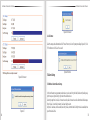
DDNS setup as figure 1.11
First you must have a domain name. www.3322.org is recommended; please remember the username, password
and domain name.
Then enable DDNS, select the DDNS Server as “3322.org”. if your domain name is “test.3322.org”, please enter
“test” in the DDNS Domain, and the User Name and Password is the username and password that applied in the
www.3322.org. set the Refresh Time as 1 minute, then DDNS will work after 1 minute.
Last you can access the device by domain name.
07