1
Live Image Control
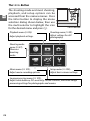
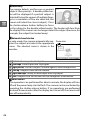
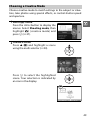
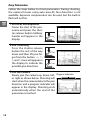
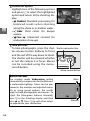
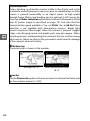
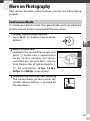
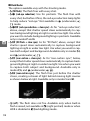
Live image controls let you adjust settings without leaving the shooting display, allowing you to preview how the
changes will affect your photographs. To
view the live image controls available in
auto mode, press 1 (&). Highlight a control and press J to select, then press 1
or 3 to adjust the control and press J to
return to shooting mode. To cancel the
control, press 1 (&) again.
z
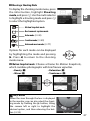
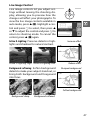
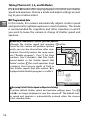
Active D-Lighting: Preserve details in highlights and shadows for natural contrast.
Increase effect
Active D-Lighting: High Active D-Lighting: Low
Reduce effect
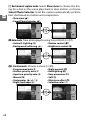
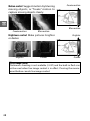
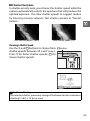
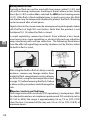
Background softening: Soften background
details to make your subject stand out, or
bring both background and foreground
into focus.
Sharpen background
Soften background
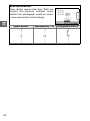
Background sharp
Background softened
47