1
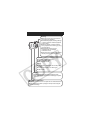
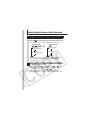
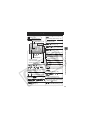
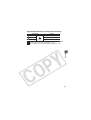
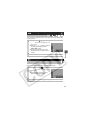
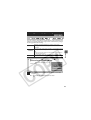
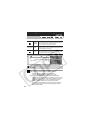
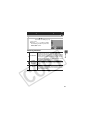
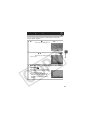
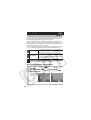
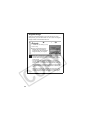
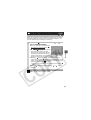
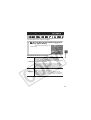
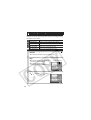
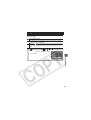
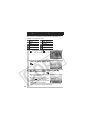
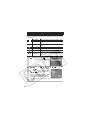
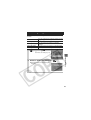
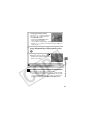
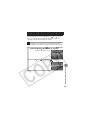
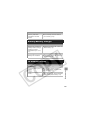
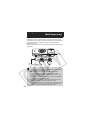
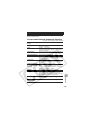
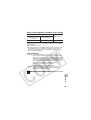
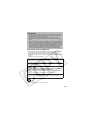
Operating the Movie Control Panel
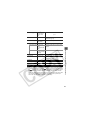
Ends playback and returns to single image playback
Print (An icon will display when a printer is connected. See the
Direct Print User Guide for details.)
Play
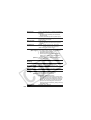
Slow Motion Playback (You can use the
button to slow
down or the
button to speed up playback.)
Displays the first frame
Previous Frame (Rewinds if the FUNC./SET button is held down)
Next Frame (Fast Forwards if the FUNC./SET button is held down)
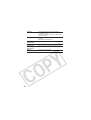
Displays the last frame
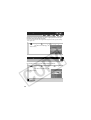
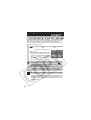
Edit (Switches to movie editing mode) (p. 80)
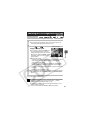
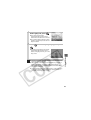
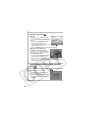
z Use the television’s controls to adjust the volume when
playing a movie on a TV set (p. 103).
z The sound cannot be played in slow motion playback.
Playback/Erasing
79