1
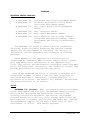
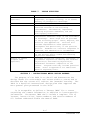
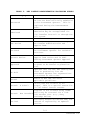
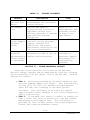
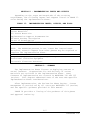
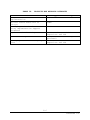
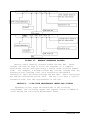
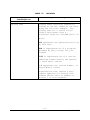
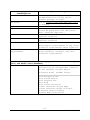
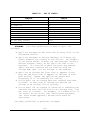
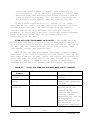
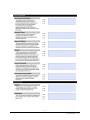
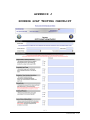
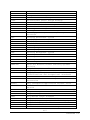
Category and
Subcategories
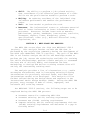
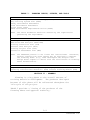
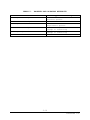
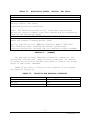
Launch Behavior
Description and Requirement
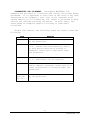
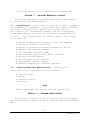
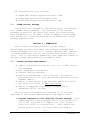
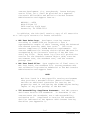
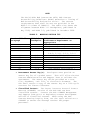
These settings determine how the parts
of the SCORM Player will be launched.
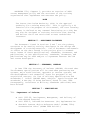
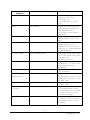
SCO Launch Type (select from pull
down menu)
Player Launch Type (select from pull
down menu)
New Window Options (check to enable)
User Browser Defaults (check to
enable)
Full Screen (check to enable)
Specify New Window Dimensions (check
to enable)
Width for content in pixels (enter
number)
Height for content in pixels (enter
number)
REQUIRED: Above dimensions are
required for the course to function
properly (check to enable)
Prevent Window Resize (check to
enable)
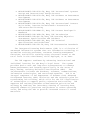
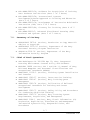
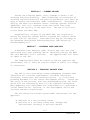
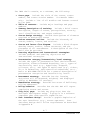
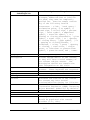
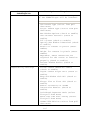
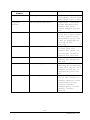
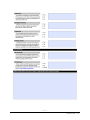
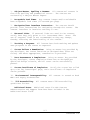
Compatibility Settings
Finish Causes Immediate Commit
(check to enable)
Logout Causes Player Exit (check to
enable)
Wrap SCO Window with API (check to
enable)
Always Flow to First SCO (check to
enable)
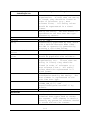
Enable Validation of SCORM
Interaction Results (check to
enable)
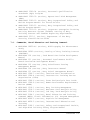
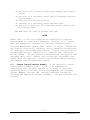
Look-Ahead Sequencer Mode (select
from pull down menu)
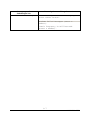
Reset Run Time Data Timing (select
from pull down menu)
SCORM 2004 Edition (select from pull
down menu)
C-6
NAVEDTRA 136