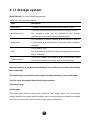
1
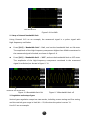
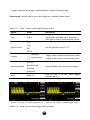
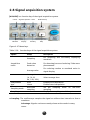
Connect the oscilloscope with the computer
by a USB wire, and select “Computer” when
Back USB
running the principle computer GAScope1.0
Computer
interface
software to implement remote control, and
display a computer icon in the upper part of
the screen at the moment.
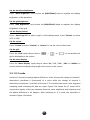
Next
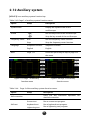
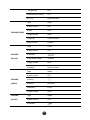
Table 2-45
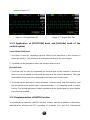
Press the key to skip to page 3 of the menu.
Page 2/4
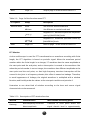
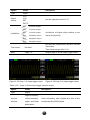
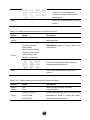
Page 3 of the auxiliary system function menu:
Option
Setup
Description
Upgrade the software by the USB flash
Upgrade
disc. The upgrading needs about 5
firmware
minutes.
Press the key to skip to the Pass/Fail
Pass/Fail
menu.
Waveform
Press the key to skip to the waveform
recording
recording menu.
Interface setup
Skip to an interface setup menu.
Next
Press the option key to skip to the next
Page 3/4
page of the menu.
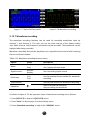
Figure 2-65 Page 3 of the auxiliary menu
69
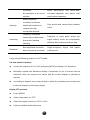
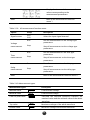
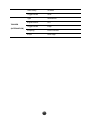
Figure 2-66 Page 4 of the auxiliary menu