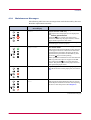
1
Remote Operation Panel Utility
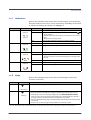
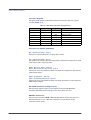
Number
Name
Function
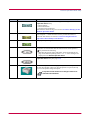
3
SET UP button
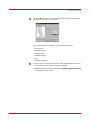
This allows you to make the following basic settings for the Remote
Operation Panel utility:
• Status polling
• Error notification
• Virtual printer animation
For details on these settings, see section 1.3.1 Basic Settings for the
Remote Operation Panel.
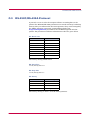
4
CONNECT button
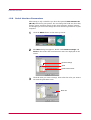
This allows you to select the type of connection between the printer and
the computer — either local (via serial or parallel interface) or
network. For details, see section 1.3.2 Connecting the Remote
Operation Panel Utility to the Printer.
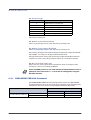
5
HELP button
Displays help messages.
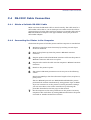
6
GO button
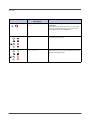
This button appears only when the printer is connected to the
computer via a network. It has the same function as the printer's
key and does the following:
• Switches the printer online and offline, prints and feeds out one
page, and continues printing when Press GO error messages are
displayed on the Remote Operation Panel.
7
MENU button
This is used to change various printer settings from the Remote
Operation Panel utility. See page 1-14.
8
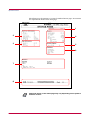
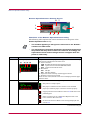
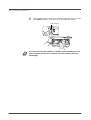
Printer image
This virtual printer animation graphically indicates the printer's
status. For example, when you open the printer's top cover, the top
cover on the printer image also opens.
It may take several minutes for a change in status to be
reflected in the animation.
Note
1-9