1
!
4
!
Document Version 3.3
Some General User Interface topics
Starting up the User Interface is done via a web browser.
The URL depends on the local implementation or IP address of the Server.
The Servers systems are pre-configured to pick up an IP address when
connected to a router and once this IP address is known, it can be used to
access the login screen.
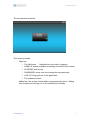
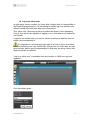
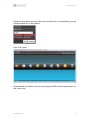
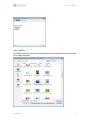
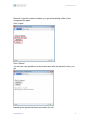
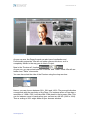
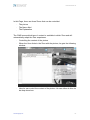
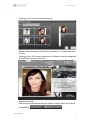
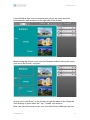
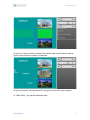
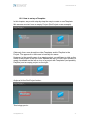
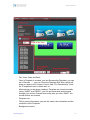
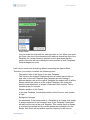
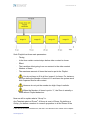
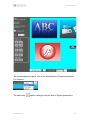
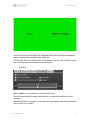
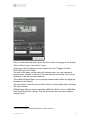
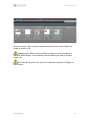
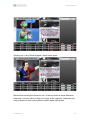
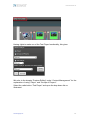
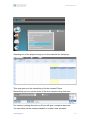
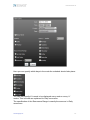
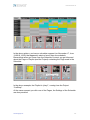
The login screen looks like:
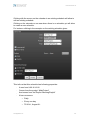
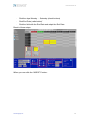
Following fields are available:
·
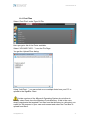
On the left top there is “Support” which brings up an email window.
·
Slightly under this there are different flags representing different
languages. The amount of languages depends on the installation.
·
The main area is in the middle, here you fill in your name and
password. After this, you hit the “Enter” button to get into the
application
www.digitalview.com!
!
9