1
Run-Time Options
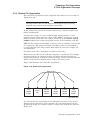
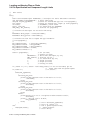
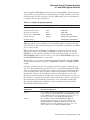
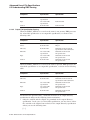
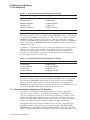
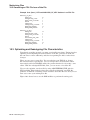
9.1 Specifying Run-Time Options
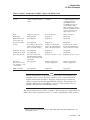
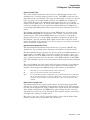
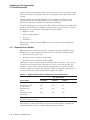
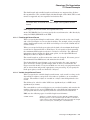
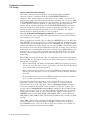
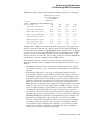
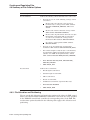
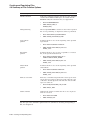
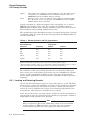
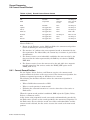
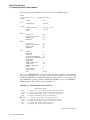
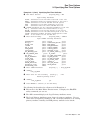
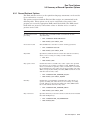
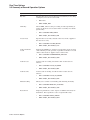
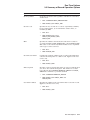
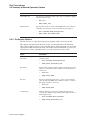
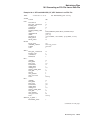
KEY 0
CHANGES
DATA_AREA
DATA_FILL
DATA_KEY_COMPRESSION
DATA_RECORD_COMPRESSION
DUPLICATES
INDEX_AREA
INDEX_COMPRESSION
INDEX_FILL
LEVEL1_INDEX_AREA
PROLOG
SEG0_LENGTH
SEG0_POSITION
TYPE
no
0
100
yes
yes
no
1
yes
100
1
3
9
0
string
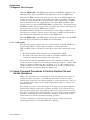
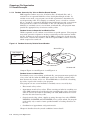
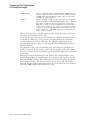
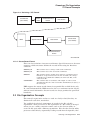
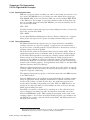
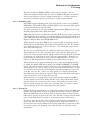
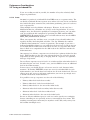
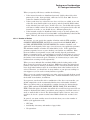
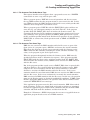
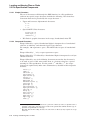
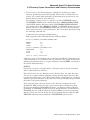
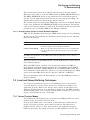
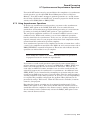
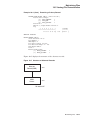
9.1.2 Using Language Statements and RMS
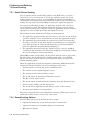
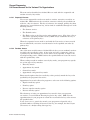
Language statements such as OPEN may contain keywords, clauses, or other
modifiers that correspond to the run-time attributes that are appropriate for
opening files, connecting record streams, processing records, and closing files.
Some languages use system-defined procedures in place of keywords and clauses.
Some languages allow you to call a user-supplied routine (USEROPEN or
USERACTION) to set control block values before opening the file.
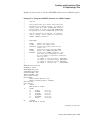
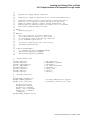
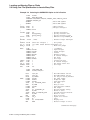
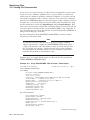
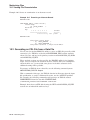
For example, a user routine could be coded in VAX MACRO to take advantage
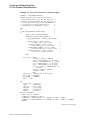
of control block store macros. (For an example of a VAX BASIC USEROPEN
routine, see Example 5–2.) Consult the corresponding language documentation
for additional information.
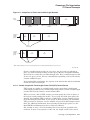
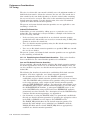
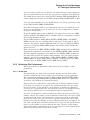
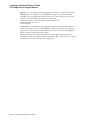
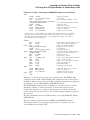
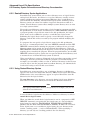
With VAX MACRO, RMS control block macros allow you to establish control block
values at assembly time and at run time using the same control block. (The
assembly-time macros are placed in a data section of the program; the run-time
macros are placed in a code section of the program.) Using VAX MACRO, control
blocks are allocated within the program space at assembly time, and it may not
be necessary to use the run-time macros because the program can move values to
the control block fields using the instruction set. Other languages, however, may
not allocate the control blocks within program storage.
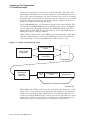
If your program has access to the starting location of the control block (a record
access block, for instance), the VAX MACRO assembly-time control block macro
or the corresponding symbol definition (DEF) macro provides your program with
certain symbolic offsets (symbols) that can be used to locate and identify the
various fields in the control block. Some languages provide a means of making
these symbols available to your program.
For additional information about using the control block macros and control block
fields, refer to the OpenVMS Record Management Services Reference Manual.
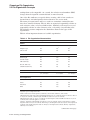
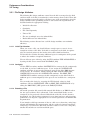
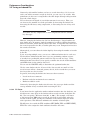
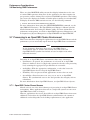
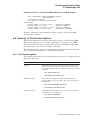
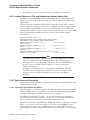
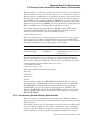
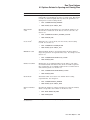
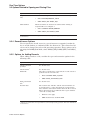
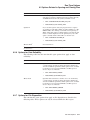
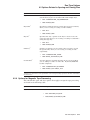
9.2 Options Related to Opening and Closing Files
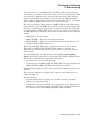
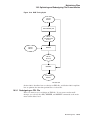
Before your program can access the records in a file, it must open the file and
connect a record stream. When it finishes processing records and no longer
requires access to that file, your program should close the file.
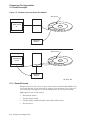
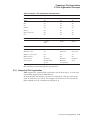
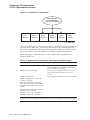
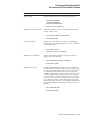
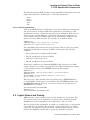
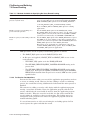
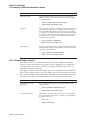
The options available for opening files, connecting record streams, and closing
files include file access and file sharing options, file specification options,
performance options, record access options, and options for:
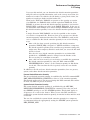
•
Adding records
•
Acting on the file after it is closed (file disposition)
Run-Time Options 9–5