1
Before Using
Driver
Windows2000/XP/ME/Vista, Macintosh OS X
This player is plug & play for WIN2000/XP/ME/Vista OS and
Macintosh OS X.
Windows98/SE
For Windows98/SE, you are required to install a driver (available
from TEAC by request) before connection.
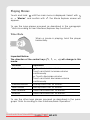
Connect to a PC and download audio files
To connect the player with the PC for transferring files:
1. Plug the larger end of the USB cable to the USB port of the PC,
and plug the smaller end to the USB port of the player.
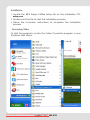
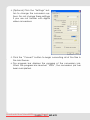
2. Windows: It may take Windows several minutes to recognize and
set up the device the first time it is connected depending on
your hardware configuration. When the “ ” icon appears at the
right bottom of the PC screen, double click “My Computer” on
the desktop, you see a removable disk, which indicates the
player. Just use the removable disk as a regular local disk, copying files from or to it.
If you are using media management software such as iTunes,
Winamp, or Windows Media Player, please refer to their
documentation for support.
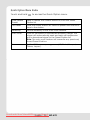
3. Macintosh: Open a finder window. Click on the Removable Disk
icon located on the left side of the finder window. Files can be
copied from/to the removable disk as usual.
Downloaded from ManualMPlayer.com
Manuals
English
– 8 | MP-470