1
Chapter 4 Internet activity logging
175
To configure SNMP alarms for trap events:
1
Start Setup and, if prompted, select a unit to configure.
2
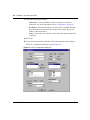
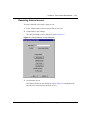
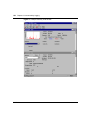
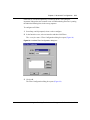
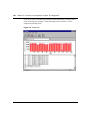
Choose Support > Alarms.
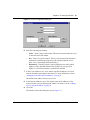
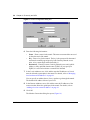
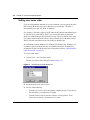
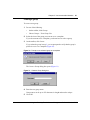
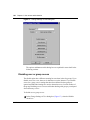
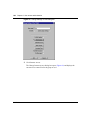
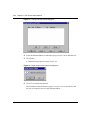
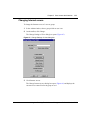
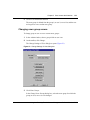
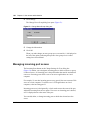
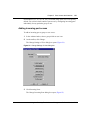
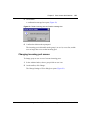
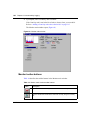
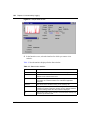
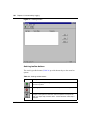
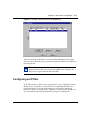
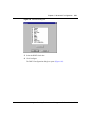
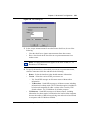
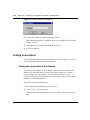
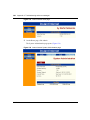
The Alarms dialog box opens (Figure 82).
Figure 82 Alarms dialog box
3
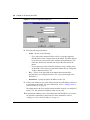
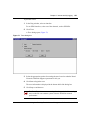
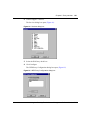
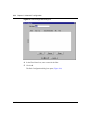
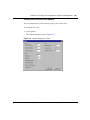
In the SNMP Hosts area, click Add.
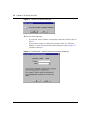
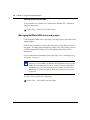
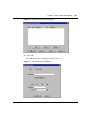
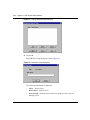
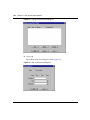
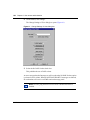
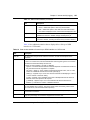
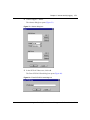
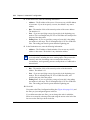
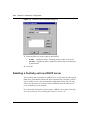
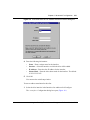
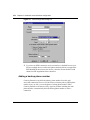
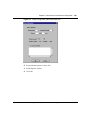
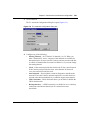
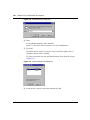
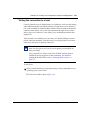
The Enter SNMP Host dialog box opens (Figure 83).
Figure 83 Enter SNMP Host dialog box
Using the Contivity Branch Access Management Software Version 7.20