1
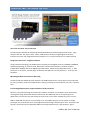
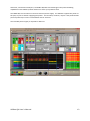
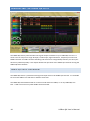
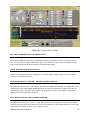
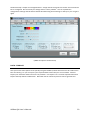
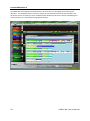
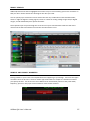
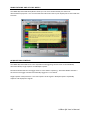
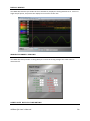
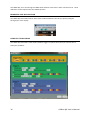
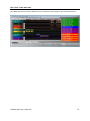
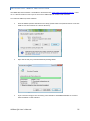
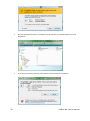
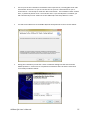
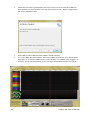
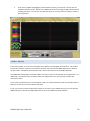
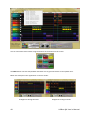
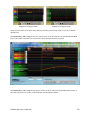
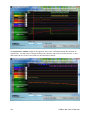
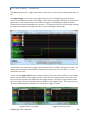
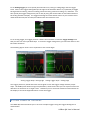
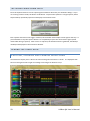
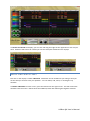
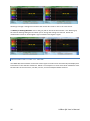
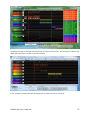
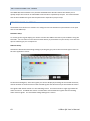
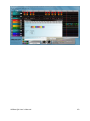
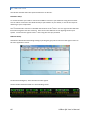
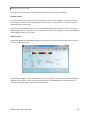
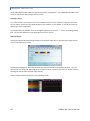
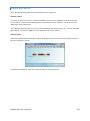
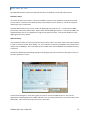
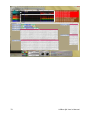
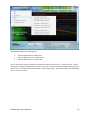
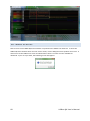
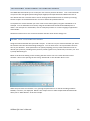
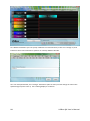
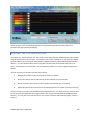
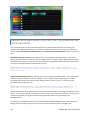
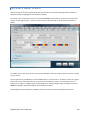
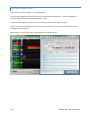
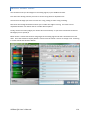
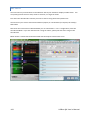
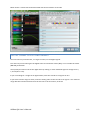
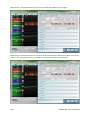
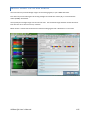
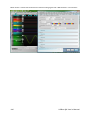
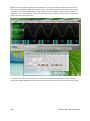
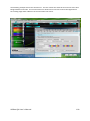
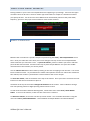
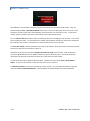
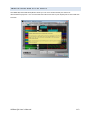
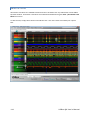
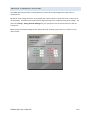
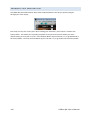
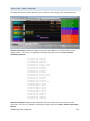
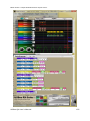
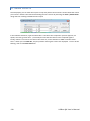
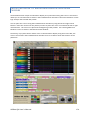
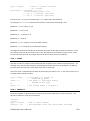
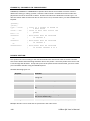
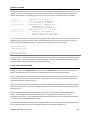
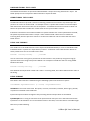
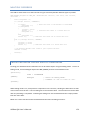
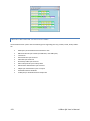
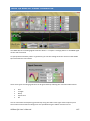
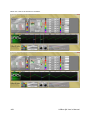
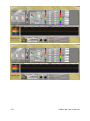
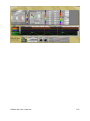
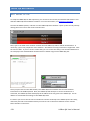
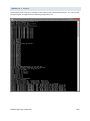
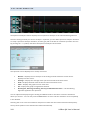
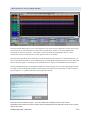
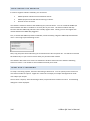
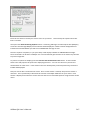
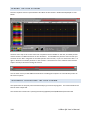
38 Follow the instructions (clicking NEXT each time) on the screen to install the USBee QX Suite software on your hard drive. This may take several minutes. When completed you will see the following screen. Click CLOSE and the USBee QX Suite software is now installed. To run the USBee QX Suite software, choose the USBee QX Suite icon from the Windows Start Menu or click on the USBee QX icon on the desktop. If no USBee QX is plugged in or installed, you will see the following screen running in Demo Mode (see the top title bar). USBee QX User’s Manual