1
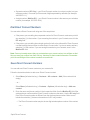
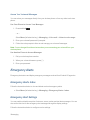
Your phone will connect to the network and retrieve a current list of TeamDC groups for your account.
Make a TeamDC Call
Follow the instructions below to make TeamDC calls.
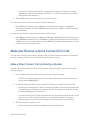
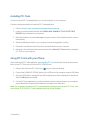
1. In standby mode, press Contacts (right selection key) > DC Groups > Options (left selection key) > Get Team DC group.
2. Highlight the TeamDC group.
3. Press the DC button to make a DC group call.
Opt-In TeamDC
Opt-In TeamDC works like a chatroom. You can make and manage Opt-In TeamDC groups in the same way as you would for TeamDC groups on the Web. You can also send an invite during an OptIn TeamDC call to the group members who have not yet joined the call.
Manage Team DC
Manage TeamDC blocks or allows DC calls from different DC Groups. You can select one of the following options:
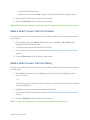
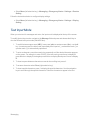
1. In standby mode, press Contacts (right selection key) > DC Groups > Options (left selection key) > Get Team DC group.
2. Highlight the TeamDC group and press Options (left selection key) > Manage TeamDC.
3. Select one of the following options:
l Receive all TeamDC calls – Allows DC calls from all DC Groups. This option is set by default. l Let me select which TeamDC call I receive – Restricts DC calls to certain DC groups.
Sprint Direct Connect