1
10 Measurement
10.
Operation Trace
Measurement
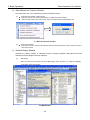
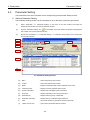
You can display operation status in waveform (Operation Trace Function). You can also check the
status in real time by scrolling operation data (Operation Scrolling Function) and check frequency
characteristics of mechanical devices (System Analysis Function).
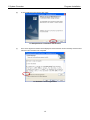
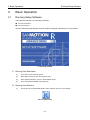
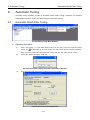
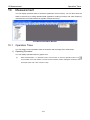
10-1 Measurement Menu Window
10.1
Operation Trace
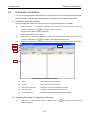
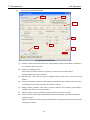
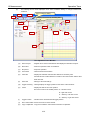
You can display current operation status in waveform with the image of an oscilloscope.
1) Operating Procedure
You can display operation status in graphic form.
(1)
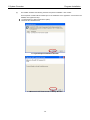
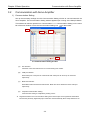
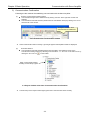
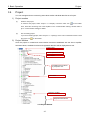
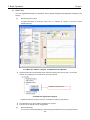
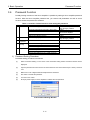
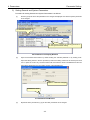
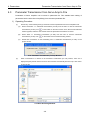
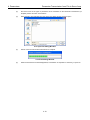
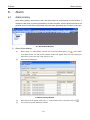
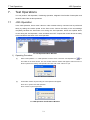
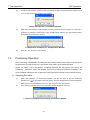
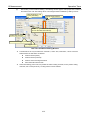
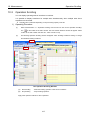
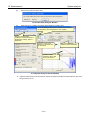
Select “Measurement” >>> Operation Trace” from the menu or click the “Operation Trace” icon
on the toolbar of the main window. The Axis number selection window will appear. Select the axis to
be used and click “OK”. Click “Cancel” to stop.
10-1