1
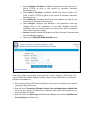
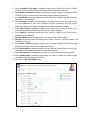
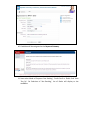
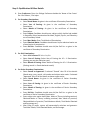
1. Enter Candidate’s Full Name: Candidate should enter his/her full name in
BLOCK LETTERS as given in the records of Secondary Education
Board/University.
2. Enter Father’s Full Name: Candidate should enter his/her Father’s full
name in BLOCK LETTERS as given in the records of Secondary Education
Board/University.
3. Enter Mobile No: Candidate should enter their Mobile No. {SMS (if any)
will be sent to candidate on this number}
4. Select Category: Category once declared in the application cannot be
changed later on. The candidature of such OBC candidates and SBC
candidates, who are covered under the creamy layer, will be considered
only under the general category.
5. Amount: Payment Amount will display auto filled in ‘Amount’ text box based
on the Candidates Category.
6. Now click on GENERATE BANK CHALLAN button.
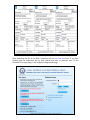
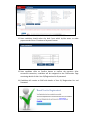
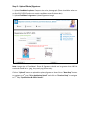
After bank challan is generated, three copies of it will be opened in PDF format. The
copy of challan will indicate Applicant’s Name, Father’s Name, Mobile No., Amount to be
paid by the candidate etc.
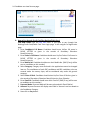
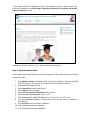
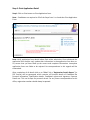
1. Go to nearby branch of ICICI bank in Rajasthan state only as mentioned in user manual
and pay the Registration fees.
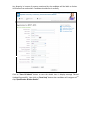
2. Bank will write Transaction ID Number, Branch Code and deposit date and Bank Seal
on all the three copies of Challan form. Candidate must check this information in all
the three copies of Challan.
3. Bank will retain one Bank copy of Challan and candidate must collect Candidate and
University Copy of Challan Form.