1
IT3G50/IT3G50W User’s Manual
System parameters
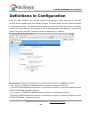
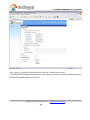
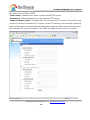
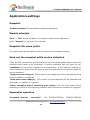
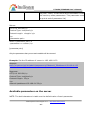
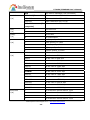
"Host name" The text displays the title at the top of the main page.
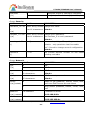
“Turn off the LED indicator” Check this option to shut off the LED on the rear. It can
prevent the camera’s operation being noticed.
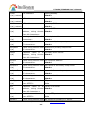
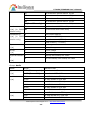
"Keep current date and time" Click on this to reserve the current date and time of
the IT3G50-IT3G50W Network Camera. An internal real-time clock maintains the date
and time even when the power of the system is turned off.
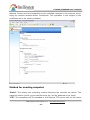
"Sync with computer time" Synchronizes the date and time of the IT3G50-IT3G50W
IT3G50/IT3G50W Network Camera with the local computer. The read-only date and
time of the PC is displayed as updated.
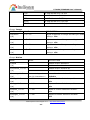
“Manual” Adjust the date and time according to what is entered by the Administrator.
Notice the format in the related fields while doing the entry.
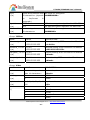
“Automatic” Synchronize with the NTP server over the Internet whenever the
IT3G50-IT3G50W IT3G50/IT3G50W Network Camera starts up. It will fail if the
assigned time-server cannot be reached.
“NTP server” Assign the IP address or domain name of the time-server. Leaving the
text box blank connects the IT3G50-IT3G50W IT3G50/IT3G50W Network Camera to
the default time-servers.
"Time zone" Adjust the time with that of the time-servers for local settings.
“Update interval” Select hourly, daily, weekly, or monthly update with the time on the
NTP server.
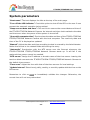
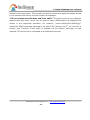
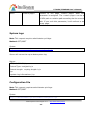
Remember to click on
to immediately validate the changes. Otherwise, the
correct time will not be synchronized.
Intellisystem Technologies S.r.l. - http://www.intellisystem.it
- 25 -