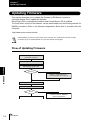
1
Chapter 3
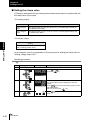
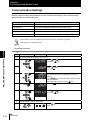
Setting the Output Conditions
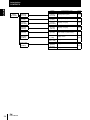
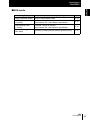
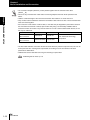
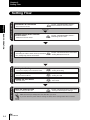
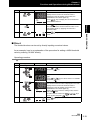
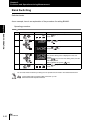
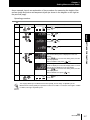
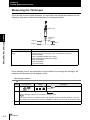
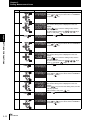
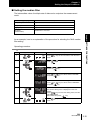
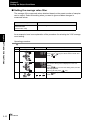
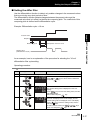
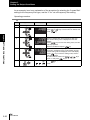
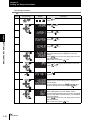
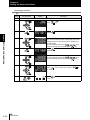
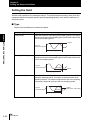
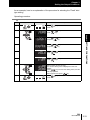
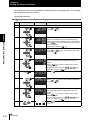
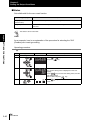
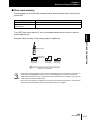
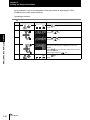
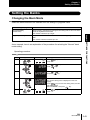
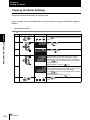
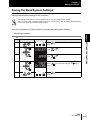
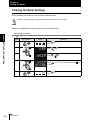
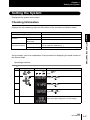
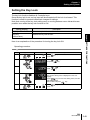
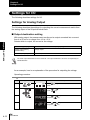
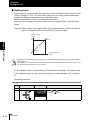
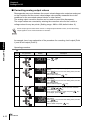
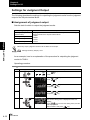
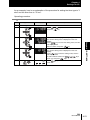
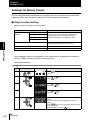
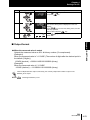
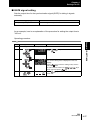
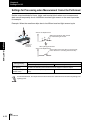
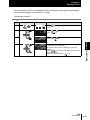
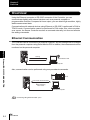
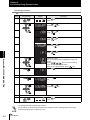
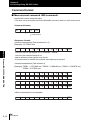
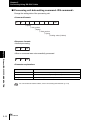
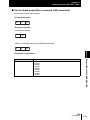
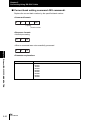
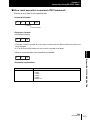
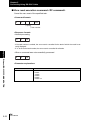
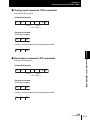
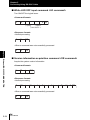
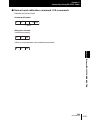
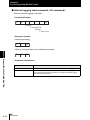
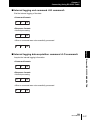
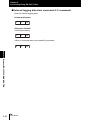
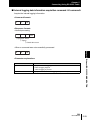
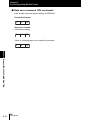
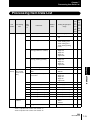
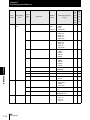
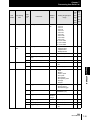
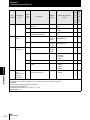
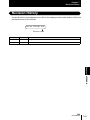
As an example, here is an explanation of the procedure for selecting the "Real value"
zero reset type setting.
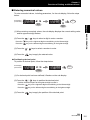
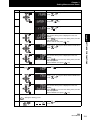
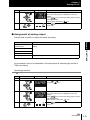
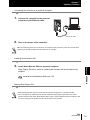
Operating procedure
Steps
1
Key operation
RUN
H
FUN
LTEACH
2
Display
L
Description
UNLIT
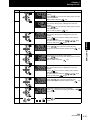
Press
RUN
mode.
Chapter 3 SETTINGS FOR FUNCTIONS
3
ZERO/ SET
key for two seconds to enter the FUN
FUN
LTEACH
Press
press
ZERORST/ ESC
RUN
ZERO/ SET
or
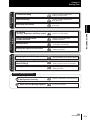
keys to select either of "MEAS" and
key.
Press
or
and press
keys to select either of "TASK1"
key.
Press
or
and press
keys to select either of "OUTPUT"
key.
ZERO/ SET
4
ZERO/ SET
5
6
7
Press
press
or
key.
keys to select either of "ZERO" and
ZERO/ SET
Press
press
or
key.
keys to select either of "TYPE" and
ZERO/ SET
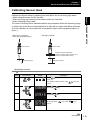
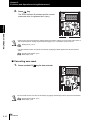
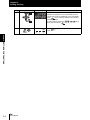
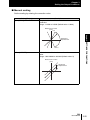
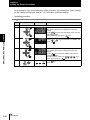
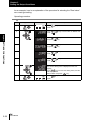
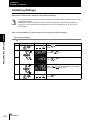
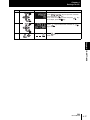
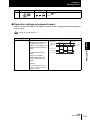
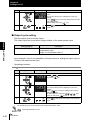
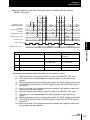
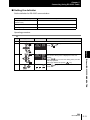
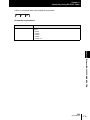
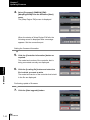
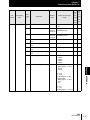
Select "Real value" as the zero reset type.
The current setting value is displayed on the subdisplay.
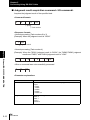
Press
/
keys to enter the editing mode, and the
sub-display blinks.
Select "REAL" and press
key.
ZERORST/ ESC
ZERO/ SET
ZERO/ SET
8
RUN
FUN
LTEACH
3-38
ZW
User’s Manual
H
L
LIT
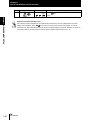
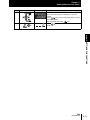
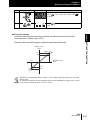
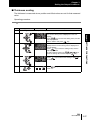
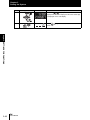
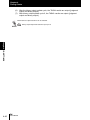
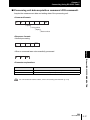
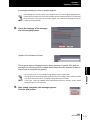
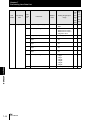
Press
RUN
mode.
RUN
FUN
LTEACH
key for two seconds to enter the RUN