1
OPERATING THE HD MINI PATTERN SIGNAL GENERATOR
Accessing the Menu System
┘
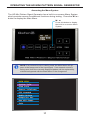
The HD Mini Pattern Signal Generator has a built-in on-screen Menu System
which provides access to additional functions during testing. Press the M / ◄
button to display the Main Menu.
┘
M /◄
Press this button to display
the built-in on-screen Menu
System.
NOTE: If an external source is being used, the Main Menu will appear in the foreground of the input signal. If no external source is
being used then the currently displayed pattern will be replaced by
a black background with the Main Menu in the foreground.
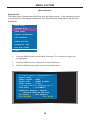
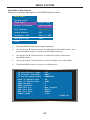
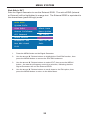
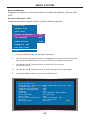
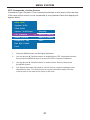
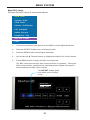
MAIN MENU
System Info.
Sink Edid
Source Infoframe
CEC Command
Audio Return
DeepColor Set
Max KSV Count
Exit
17