1
5.5.1
Exposure Setting
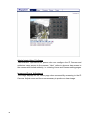
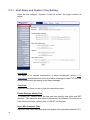
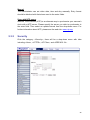
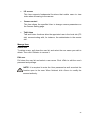
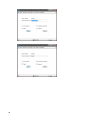
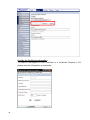
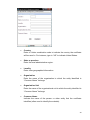
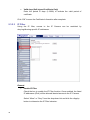
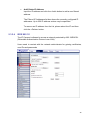
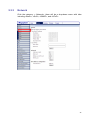
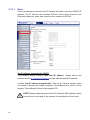
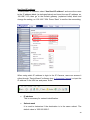
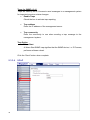
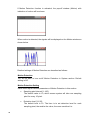
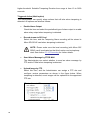
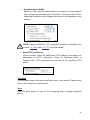
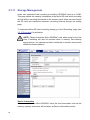
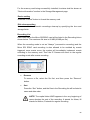
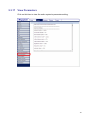
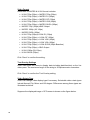
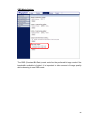
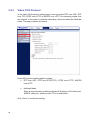
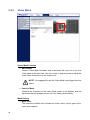
The Exposure pull-down menu is shown as follows:
The exposure is the amount of light received by the image sensor and is
determined by the width of lens diaphragm opening, the amount of exposure by
the sensor (shutter speed) and other exposure parameters. With this item, users
can define how the Auto Exposure function works.
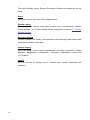
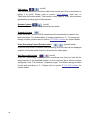
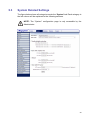
Each exposure mode is specified as follows:
Full Auto Mode
In this mode, the camera’s Shutter Speed, IRIS and AGC (Auto Gain Control)
control circuits work together automatically to get consistent video output level.
The shutter speed range is from 1 (1/1.5) to 1/30 (1/25) sec. with 6 (5) options.
Users could select suitable shutter speed according to the environmental
illuminance.
NOTE: The minimum shutter speed set in the Full Auto Mode will be
applied to Auto Iris Mode.
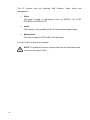
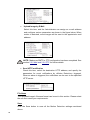
Auto Iris
In this mode, the exposure gives priority to the auto iris. Shutter speed and AGC
circuit will function automatically in cooperating with IRIS to get consistent
exposure output.
NOTE: The minimum shutter speed will vary depending on the setting in
Full Auto Mode.
92