1
Checked In
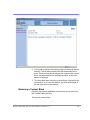
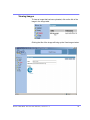
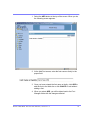
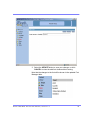
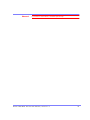
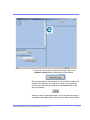
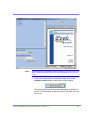
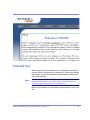
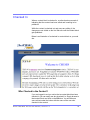
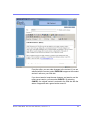
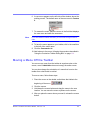
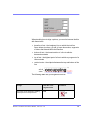
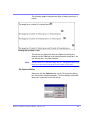
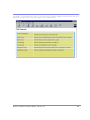
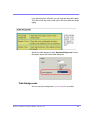
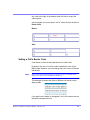
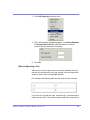
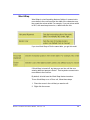
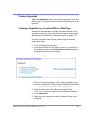
When a content block is checked in, a yellow border surrounds it,
indicating that the content has been saved and is waiting to be
published.
While the content is checked out and users are editing it, the
changes are not visible on the live Web site until the content block
gets published.
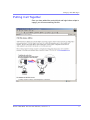
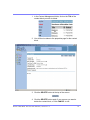
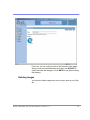
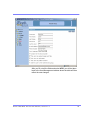
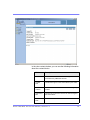
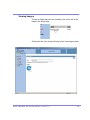
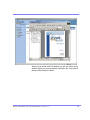
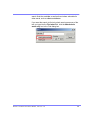
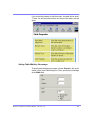
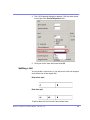
Below is an illustration of a checked in content block on your web
site.
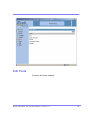
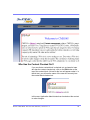
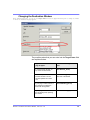
Who Checked in the Content?
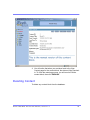
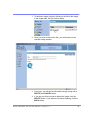
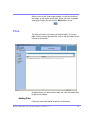
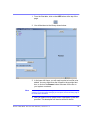
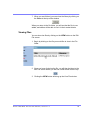
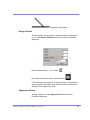
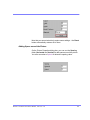
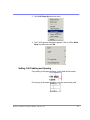
If you are logged in and you notice that a content block has been
checked in, you can easily see who checked it in. Simply browse to
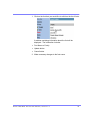
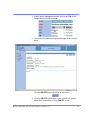
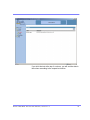
that content block and click on the Edit icon. You will then see
some alt text under the button with the name of the user who
checked in the content.
Ektr on CM S Web S ervice User M anu al, Ver sion 1 .0
94