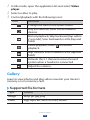
1
Entertainment
Camera
Learn how to capture and view photos and videos. You
can take photos at resolutions up to 3264 x 2448 pixels
(8 megapixels) and videos at resolutions up to
1920 x 1080 pixels.
●● The camera automatically turns off when you do not
use it for a specified period.
●● The memory capacity may differ depending on the
shooting scene or shooting conditions.
››Capture a photo
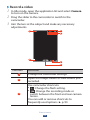
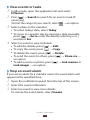
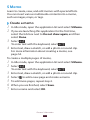
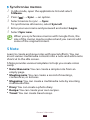
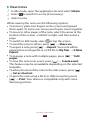
1 In Idle mode, open the application list and select Camera
2
to turn on the camera.
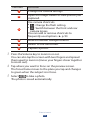
Aim the lens at the subject and make any necessary
adjustments.
1
3
4
2
5
6
Entertainment
82