1
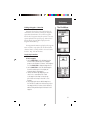
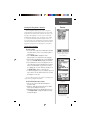
Getting Started
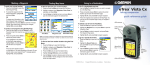
Features and
Button
Function
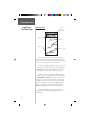
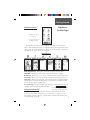
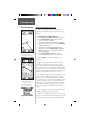
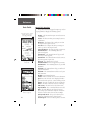
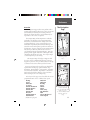
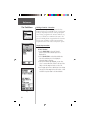
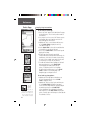
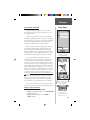
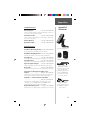
Internal Antenna
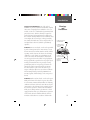
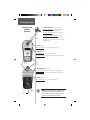
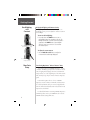
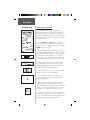
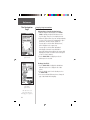
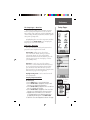
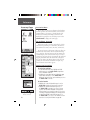
The CLICK STICK (Five Position Switch)
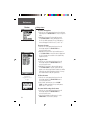
• Press In and release to enter highlighted
options and to confirm messages
• Press In and hold to mark your current
location as a waypoint
• Move Up/Down or Right/Left to move
through lists, highlight fields, on-screen
buttons, icons, enter data or move the map
panning arrow
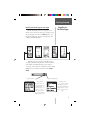
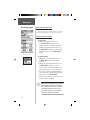
The PAGE button:
• Press and release to cycle through main pages
LEGEND
VENTURE
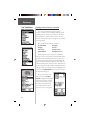
The POWER button:
• Press and hold to turn the unit On/Off
• Press and release to toggle display backlighting On/Off
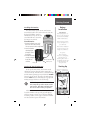
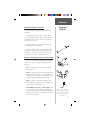
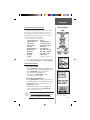
External Power
and
Data Connector
LCD
Display
Power/Data
Connector Cover
The ZOOM IN/OUT buttons:
• Press and hold to Zoom in and out on the Map Page
• Press and hold when on the Satellite Page to adjust the
screen contrast
The FIND button:
• Press and release to access the Find Menu
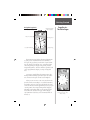
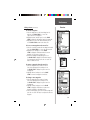
Carry
Lanyard
Slot
2
Battery
Compartment
Cover
F
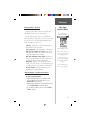
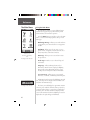
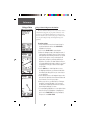
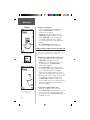
NOTE: The eTrex Venture is designed to be
held and operated in the left hand, but it
can be held and operated using the right
hand as well to suit your preference.