1
Gigaset N510 IP PRO / engbt / A31008-M2217-R101-3-7619 / web-conf.fm / 11.10.2011
Configuring the phone via the Web configurator
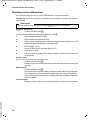
Establishing a connection via the phone's IP address
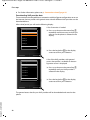
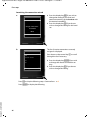
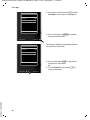
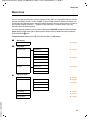
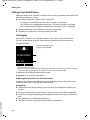
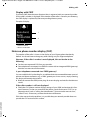
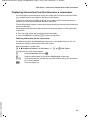
¤ Determining a telephone's current IP address via one of the registered handsets:
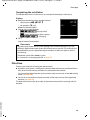
You can see the phone's current IP address in the handset display by briefly pressing
the registration/paging button on the base.
Your phone's IP address can change if you have activated dynamic IP address assignment (£ page 78).
Warning
If one of the four parts of the IP address contains leading zeros (e.g., 002), these zeros
must not be entered in the Web browser address field. Otherwise, the Web browser
will not be able to establish a connection to the Web configurator.
Example: The IP address 192.168.002.002 is displayed on the phone. 192.168.2.2
should be entered in the address field.
¤ Launch the Web browser on your PC.
¤ Enter http:// and the telephone's current IP address (for example: http://192.168.2.2)
into the address field of the Web browser.
¤ Press the return key.
A connection is established to the phone's Web configurator.
Please note
Version 5, 23.09.2008
The connection between the PC and the Web configurator is a local connection (LAN
connection). The Internet is only accessed to establish the connection.
88