1
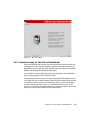
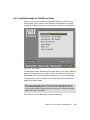
9.1.4 Setting up arrays, LUNs, and Storage Partitioning
This section takes you through the steps to set up storage arrays, LUNs, and
Storage Partitioning. Refer to the redbook, Fibre Array Storage Technology - A
FAStT Introduction, SG24-6246, for more on creating arrays and LUNs, selecting
RAID levels, Storage Partitioning topics, for considerations on the Access LUN
when defining the storage partitions (the sets of related logical drive mappings,
host groups, and host ports).
The system is now ready to start creating arrays, LUNs, and Storage Partitioning.
In this example we set up storage arrays for our High Availability cluster (see
Chapter 6., “Red Hat Cluster Manager” on page 139). We also use small logical
drive sizes to save on initialization time. Your requirements will likely be different
in detail, but similar in many respects.
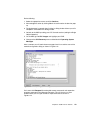
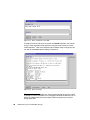
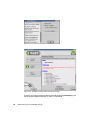
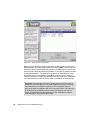
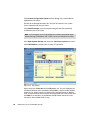
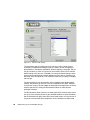
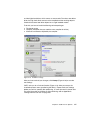
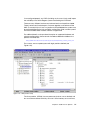
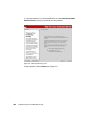
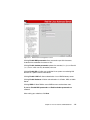
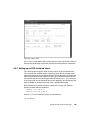
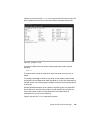
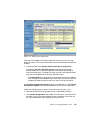
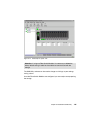
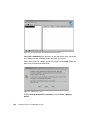
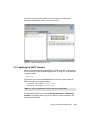
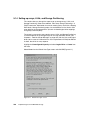
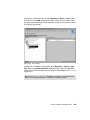
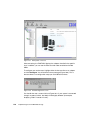
Highlight the Unconfigured Capacity and select Logical Drive -> Create from
the menu.
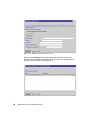
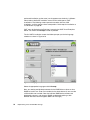
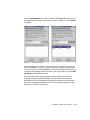
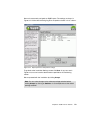
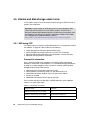
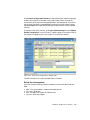
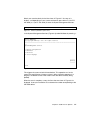
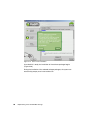
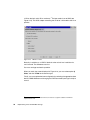
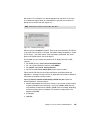
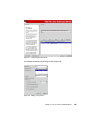
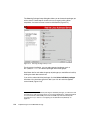
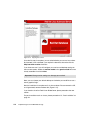
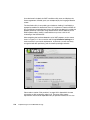
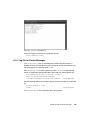
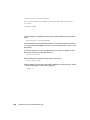
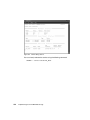
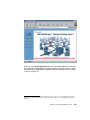
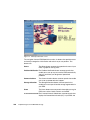
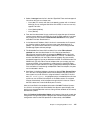
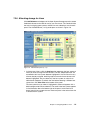
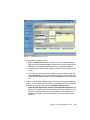
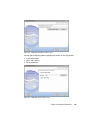
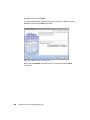
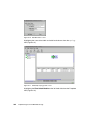
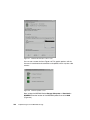
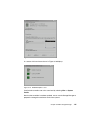
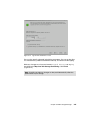
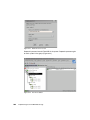
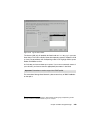
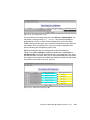
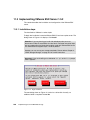
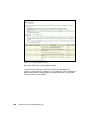
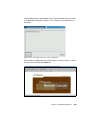
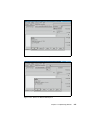
Select Linux from the Default Host Type screen and click OK (Figure 9-11).
Figure 9-11 Default Host Type screen
198
Implementing Linux with IBM Disk Storage