1
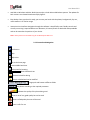
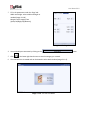
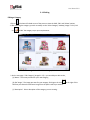
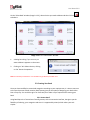
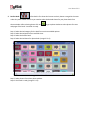
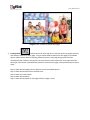
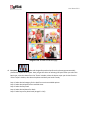
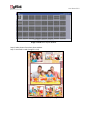
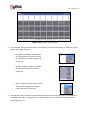
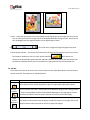
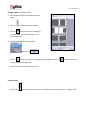
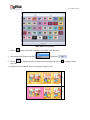
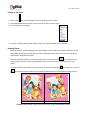
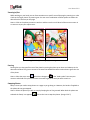
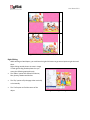
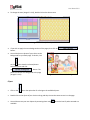
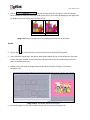
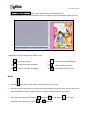
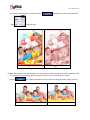
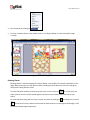
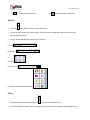
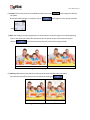
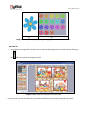
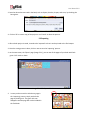
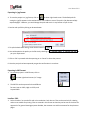
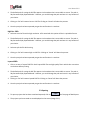
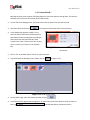
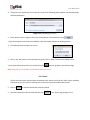
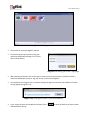
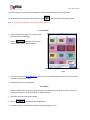
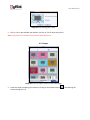
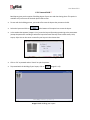
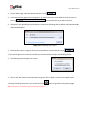
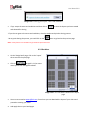
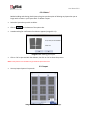
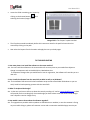
User Manual 6.0 (a) (b) Image 3.2.4.7: Swap Photos (a) Before (b) After Right Clicking While working on Book Xpress, you could use the right click button to get several options right then and there. Right clicking outside photos: As seen in Image 3.2.4.8 right clicking outside photos lets you access the following options directly: The ‘Effects’ option Give effects like Colorize, Blur, Opacity, Shadow and Outline. The ‘Flip’ option to flip the page either vertically or horizontally The ‘Find’ option to find the source of the object. Image 3.2.4.8: Right Clicking Outside Photos.