1
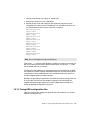
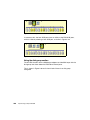
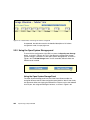
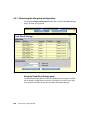
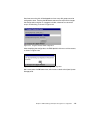
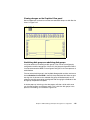
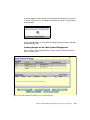
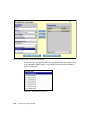
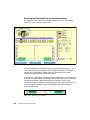
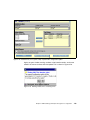
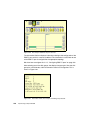
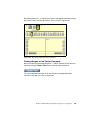
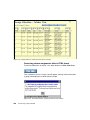
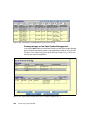
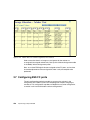
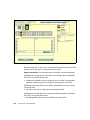
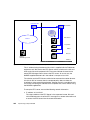
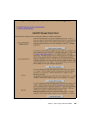
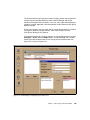
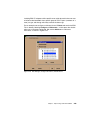
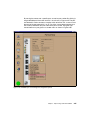
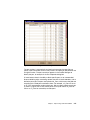
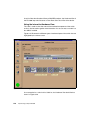
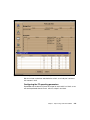
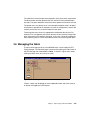
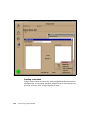
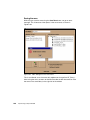
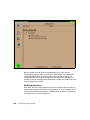
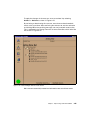
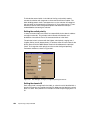
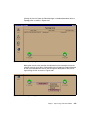
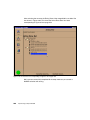
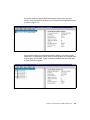
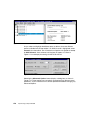
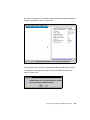
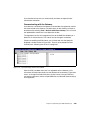
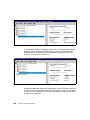
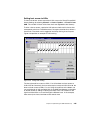
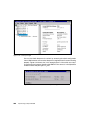
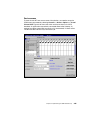
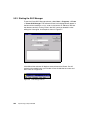
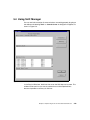
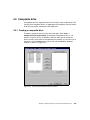
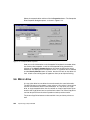
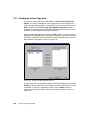
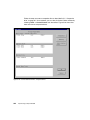
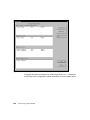
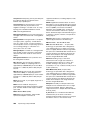
To the left, we can view all the members currently defined for the zone. There are
two check boxes where we can choose if we want to assign a switch port and all
connected node ports to a zone, or if we want to specify the node ports based on
their WWPN. Here, the nicknames become important. Two Emulex WWPNs
belong to RS/6000 ports, and one to an ESS port. The Netfinity host ports we are
going to define in the zone are currently detached, so they do not show up.
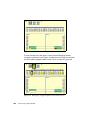
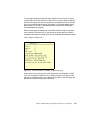
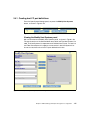
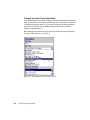
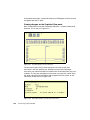
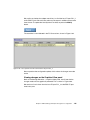
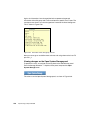
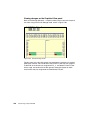
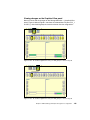
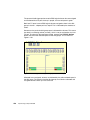
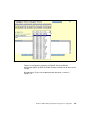
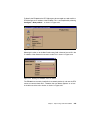
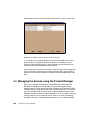
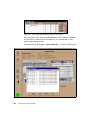
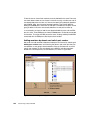
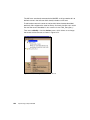
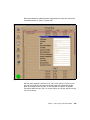
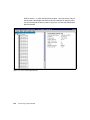
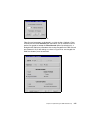
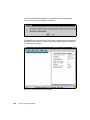
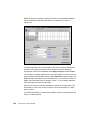
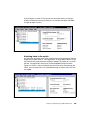
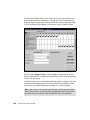
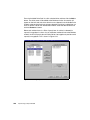
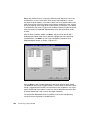
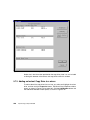
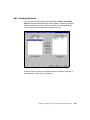
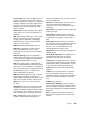
In our example, we chose to add the two detached Netfinity ports and one ESS
port to a zone. Three ESS ports and three RS/6000 ports are already connected
to the switch. To assign one ESS port to the zone, we drag-and-drop the WWPN
associated with the ESS port to the left part of the window.
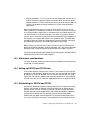
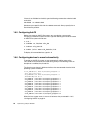
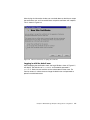
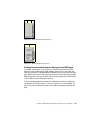
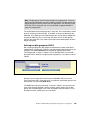
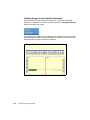
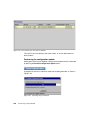
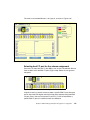
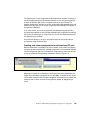
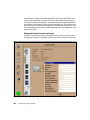
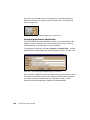
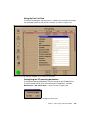
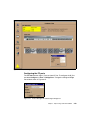
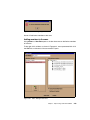
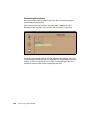
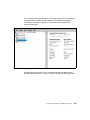
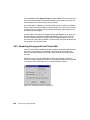
Adding members by domain and switch port number
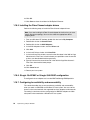
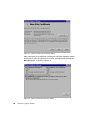
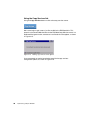
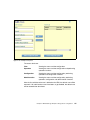
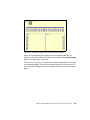
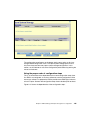
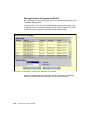
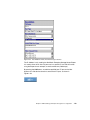
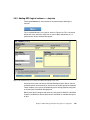
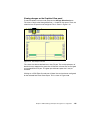
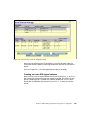
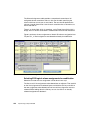
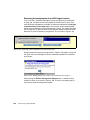
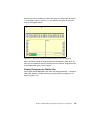
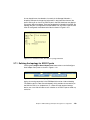
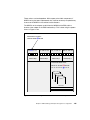
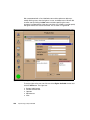
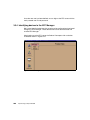
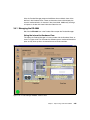
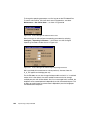
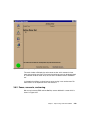
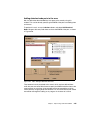
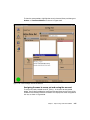
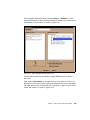
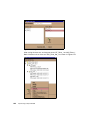
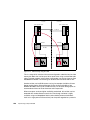
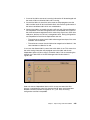
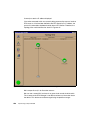
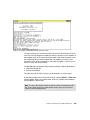
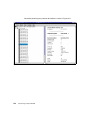
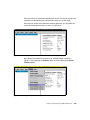
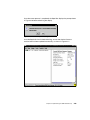
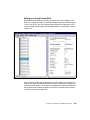
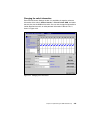
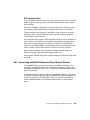
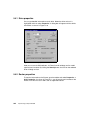
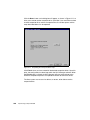
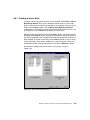
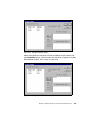
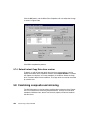
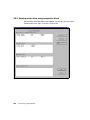
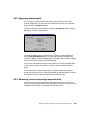
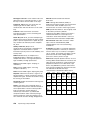
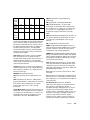
We could also add attached or detached node ports to the zone by selecting the
Add by port number button and choosing the domain and switch port they are
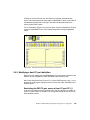
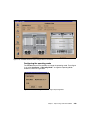
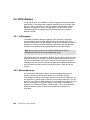
connected to, or are going to be connected to. We now illustrate that we could
specify the members in one zone based on the WWPN, and other members
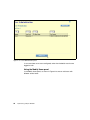
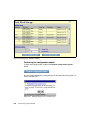
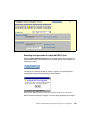
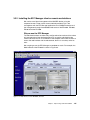
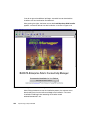
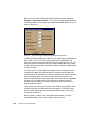
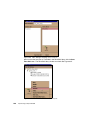
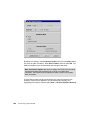
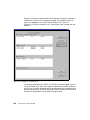
based on the switch port they are connected to, as shown in Figure 3-62.
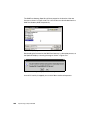
Figure 3-62 Fabric Manager Add by port number
234
Implementing an Open IBM SAN