1
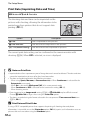
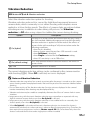
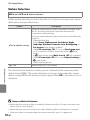
The Setup Menu
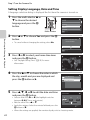
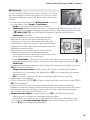
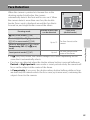
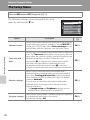
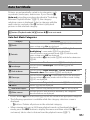
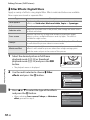
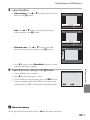
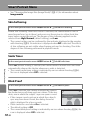
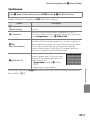
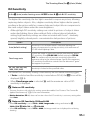
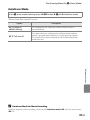
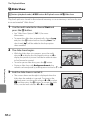
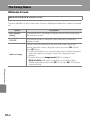
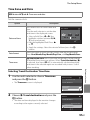
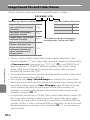
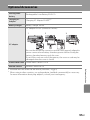
Welcome Screen
d button M z tab M Welcome screen
Choose whether or not a welcome screen is displayed when the camera is turned
on.
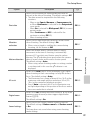
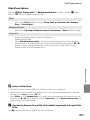
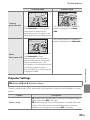
Option
Description
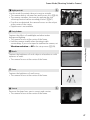
None (default
setting)
The camera enters shooting or playback mode without displaying
the welcome screen.
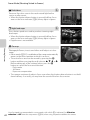
COOLPIX
The camera displays a welcome screen and enters shooting or
playback mode.
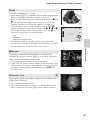
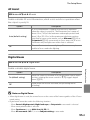
Select an image
Displays a picture selected for the welcome screen. When the
picture selection screen is displayed, select a picture (E 53) and
press k button.
• As the selected picture is stored by the camera, it will be displayed
when the camera is turned on even if the original picture is
deleted.
• Pictures taken at an Image mode (A 61) setting of
P 4224×2376, and copies created at a size of 320 × 240 or
smaller using the small picture (E 18) or crop (E 19) function,
cannot be used.
Reference Section
E60