1
TROUBLESHOOTING
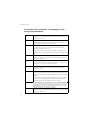
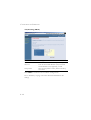
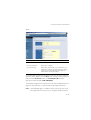
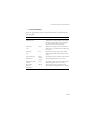
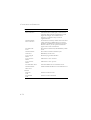
Troubleshooting Chart
Symptom
Action
Management Problems
Cannot connect
using the web
browser
Forgot or lost
the password
•
Be sure to have configured the Barricade with a valid
IP address, subnet mask, and default gateway.
•
Check that you have a valid network connection to the
Barricade and that the port you are using has not been
disabled.
•
Check the network cabling between the management
station and the Barricade.
•
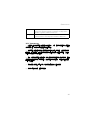
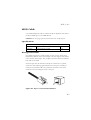
Press the Reset button on the rear panel (holding it
down for at least 10 seconds) to restore the factory
defaults.
A-3