1
5 Update the
firmware
through Philips
Device Manager
1
2
3
3
4
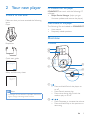
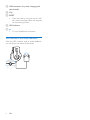
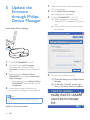
Connect SOUNDDOT to your PC.
»» When the device is connected,
"SA4DOTXX" is displayed on the text
box.
Connect SOUNDDOT to a PC.
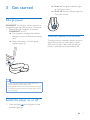
On the PC, select My Computer
(Windows XP / Windows 2000) /
Computer (Windows Vista / Windows 7
/ 8).
Right click on the Philips GoGear
SOUNDDOT icon. Select Install Philips
Device Manager.
• Alternatively, click the Philips GoGear
SOUNDDOT icon. Double-click the
installer.exe.
Follow the onscreen instructions to
complete the installation of the software.
Note
•• The installation requires you to agree to the license
terms.
Check for firmware updates
10
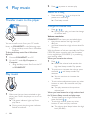
Launch Philips Device Manager.
»» A dialog box is displayed.
»» You can find current firmware version
of the device.
Install Philips Device Manager
1
2
Make sure that you have connected your
PC to the Internet.
EN
4
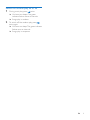
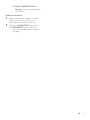
To check for firmware updates,
aClose the dialog box of Philips Device
Manager.
bAt the base of the PC screen, right
click and select Check for updates.