Download User`s Manual - Mini
Transcript
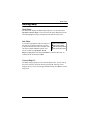
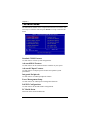
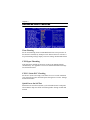
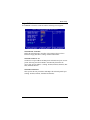
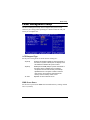
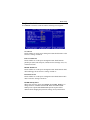
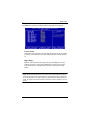
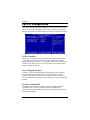
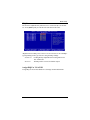
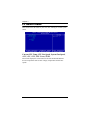
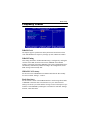
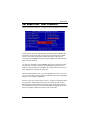
Chapter 3 The Main Menu The Main Menu contains twelve setup functions and two exit choices. Use arrow keys to select the items and press Enter to accept or enter the submenu. Standard CMOS Features Use this menu to set basic system configurations. Advanced BIOS Features Use this menu to set the advanced features available on your system. Advanced Chipset Features Use this menu to set chipset specific features and optimize system performance. Integrated Peripherals Use this menu to set onboard peripherals features. Power Management Setup Use this menu to set onboard power management functions. PnP/PCI Configurations Use this menu to set the PnP and PCI configurations. PC Health Status This menu shows the PC health status. 3-4