1
Contents
Get started..........................................................................7
Your dual SIM phone...............................................................................................7
Keys and parts........................................................................................................8
Insert a SIM card and battery .............................................................................10
Insert a second SIM card......................................................................................11
Insert or remove a memory card.........................................................................12
Charge the battery...............................................................................................13
Switch on..............................................................................................................13
Copy content from your old phone.....................................................................15
Set which SIM card to use....................................................................................16
Lock the keys and screen ....................................................................................17
Change the volume..............................................................................................17
Attach a strap.......................................................................................................18
Change settings quickly.......................................................................................19
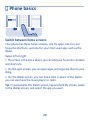
Phone basics.....................................................................20
Switch between home screens............................................................................20
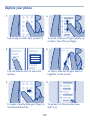
Explore your phone..............................................................................................21
Personalise the main menu.................................................................................23
Add a shortcut to My screen................................................................................24
Change the wallpaper...........................................................................................25
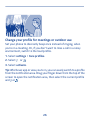
Change your profile for meetings or outdoor use.............................................26
Change your ringtone..........................................................................................27
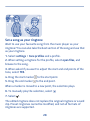
Set a song as your ringtone.................................................................................28
2