1
SAS to SAS/SATA RAID Subsystem
Chapter 5 RAID Management
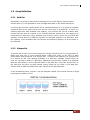
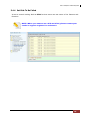
5.1 Quick Function
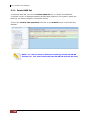
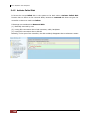
5.1.1 Quick Create
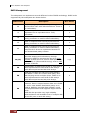
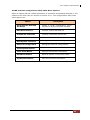
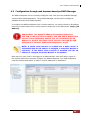
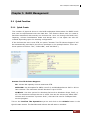
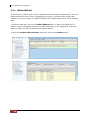
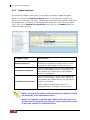
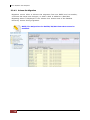
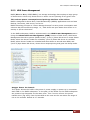
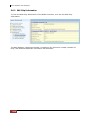
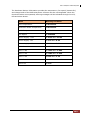
The number of physical drives in the RAID subsystem determines the RAID levels
that can be implemented with the Raid Set. This feature allows user to create a
Raid Set associated with exactly one Volume Set. User can change the Raid Level,
Capacity, Volume Initialization Mode and Stripe Size. A hot spare can also be
created depending upon the existing configuration.
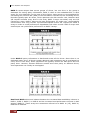
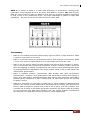
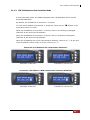
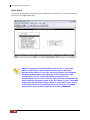
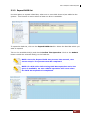
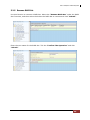
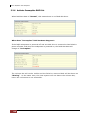
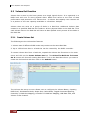
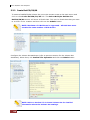
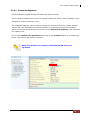
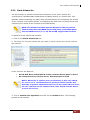
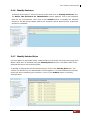
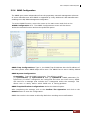
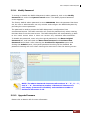
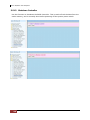
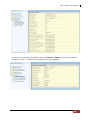
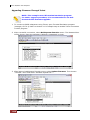
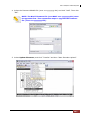
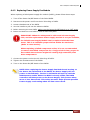
If the Volume Set size is over 2TB, an option “Greater Two TB Volume Support” will
be automatically provided in the screen as shown in the example below. There are
three options to select: “No”, “64bit LBA”, and “4K Block”).
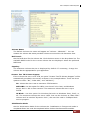
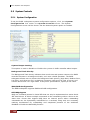
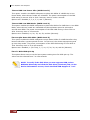
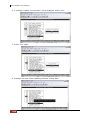
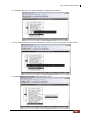
Greater Two TB Volume Support:
No: Volume Set capacity is set to maximum 2TB.
64bit LBA: Use this option for UNIX, Linux 2.6, and Windows Server 2003 + SP1 or
later versions. The maximum Volume Set size is up to 512TB.
4K Block: Use this option for Windows OS such as Windows 2000, 2003, or
XP. The maximum Volume Set size is 16TB. Just use the Volume as “Basic Disk”.
Volume can’t be used as “Dynamic Disk”; also can’t be used in 512Bytes block
service program.
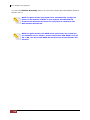
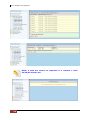
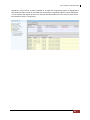
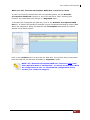
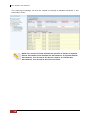
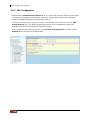
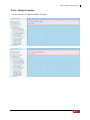
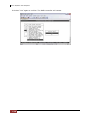
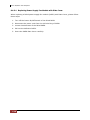
Tick on the Confirm The Operation o p t i o n and click on the Submit button in the
Quick Create screen. The Raid Set and Volume Set will start to initialize.
User Manual
51