1
LeCroy Corporation
22
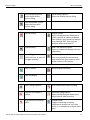
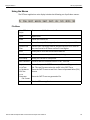
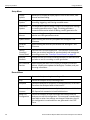
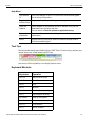
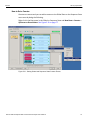
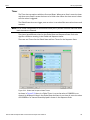
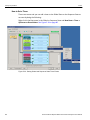
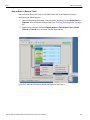
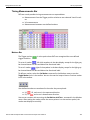
Using the Toolbar
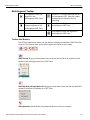
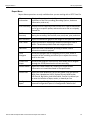
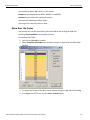
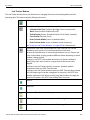
Find
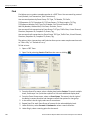
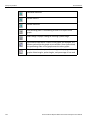
Opens a dialog box that allows you to select one or more items to find in the recording, then searches to that point.
Find Next. Repeats last Find or Search action.
View Packet Level data.
View Split Transaction Level data
View Link Transaction Level data.
View NVM Transaction Level data
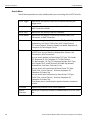
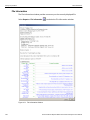
File Information
Lists the conditions under which the recording was made.
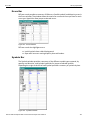
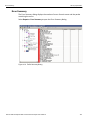
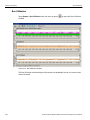
Bus Utilization
Opens a window that graphically represents various information about the recording.
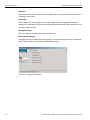
Error Report
Opens a window that lists all errors identified in the recording.
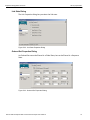
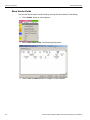
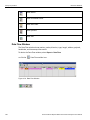
Link Tracker
Opens a window that displays symbol information per lane.
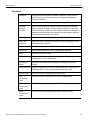
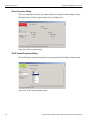
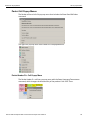
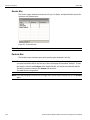
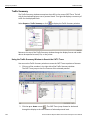
Traffic Summary
Opens a window that lists all events that occurred during the recording
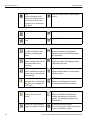
Opens the Data Flow window.
Shows recorded data in a compressed tabular format.
Navigator. Shows/hides the Navigator bar ‐ a utility that lets you easily navigate the CATC Trace.
LTSSM Flow Graph
Shows a state diagram of the Link Training and Status State machine.
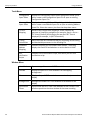
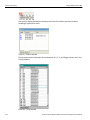
Displays the Data/Payload window for the current packet.
Displays the Packet Header bar.
Opens a window that displays the header information in the current packet, as it would be viewed in the specification.
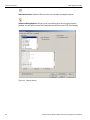
Opens the Timing and Bus Usage Calculations window.
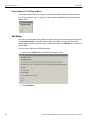
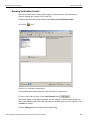
Running Verification Scripts
Opens a dialog that allows you to select and run verification scripts.
Summit T28 PCI Express Multi‐Lane Protocol Analyzer User Manual