1
3
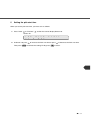
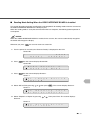
Setting IPC pre-set mode
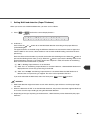
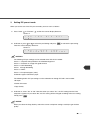
When you set the use of the IPC pre-set mode, you must set it as follows:
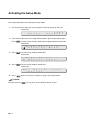
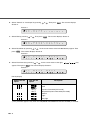
1. Press “Next”
or “Previous”
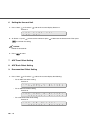
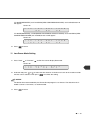
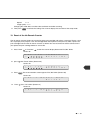
and let the scanner display Screen 4.
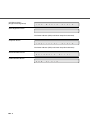
Screen 4
0
N
!
=
3
o
I
P
C
P
r
e
-
S
e
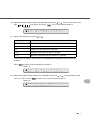
2. At Screen 4, press
or
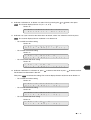
to select the pre-Setting and press
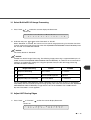
Then the scanner displays Screen 5.
t
to activate the pre-setting.
Screen 5
0
!
3
P
r
1
e
s
U
e
s
t
e
?
I
Y
P
e
C
s
/
N
o
NOTICES
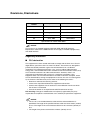
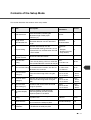
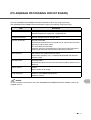
The following IPC pre-settings can be selected when IPC-4D is installed:
Preset 1: Captures texts printed on the colored background
Preset 2: Produces an image with good contrast
Preset 3: OCR Smoothing
Preset
4 Image Smoothing
Preset 5: Dither
Preset 9: Pre-printed paper (color)
Carbonless paper:Carbonless paper
The following built-in IPC pre-settings can be selected even though IPC-4D is not installed:
•Sharpen
•Darken Character
•Copy Quality
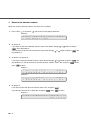
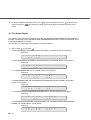
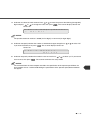
3. At Screen 5, select “Yes” or “No”. Note that when you select “Yes”, the IPC setting from the Host
computer is ignored. If you select “No”, the IPC setting will be changed according to the host setting.
Finally press
.
NOTICE
When you select the Copy Quality, select the scanner and printer settings carefully to get the best
quality.
●7-7