1
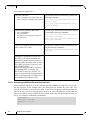
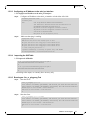
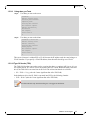
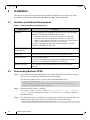
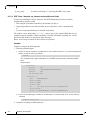
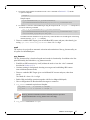
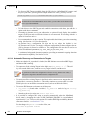
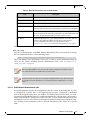
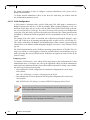
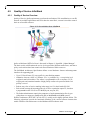
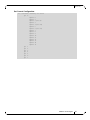
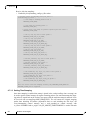
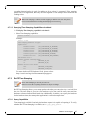
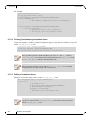
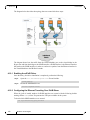
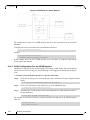
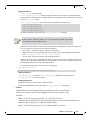
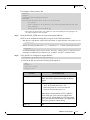
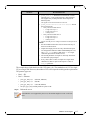
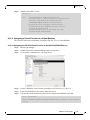
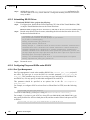
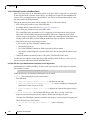
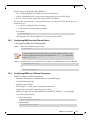
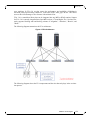
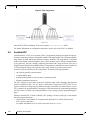
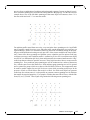
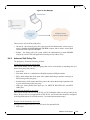
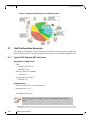
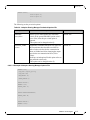
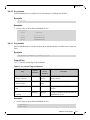
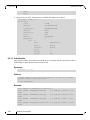
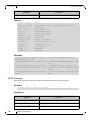
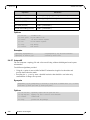
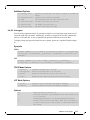
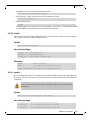
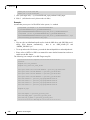
Rev 2.2-1.0.1 Driver Features Figure 3: An Example of a Virtual Network The example above shows a few IPoIB instances that serve the virtual interfaces at the Virtual Machines. To display the services provided to the Virtual Machine interfaces: # cat /sys/class/net/eth0/eth/vifs Example: # cat /sys/class/net/eth0/eth/vifs SLAVE=ib0.2 MAC=52:54:00:60:55:88 VLAN=N/A In the example above the ib0.2 IPoIB interface serves the MAC 52:54:00:60:55:88 with no VLAN tag for that interface. 4.10.3 VLAN Configuration Over an eIPoIB Interface eIPoIB driver supports VLAN Switch Tagging (VST) mode, which enables the virtual machine interface to have no VLAN tag over it, thus allowing VLAN tagging to be handled by the Hypervisor. To attach a Virtual Machine interface to a specific isolated tag: Step 1. Verify the VLAN tag to be used has the same pkey value that is already configured on that ib port. # cat /sys/class/infiniband/mlx4_0/ports/<ib port>/pkeys/* Step 2. Create a VLAN interface in the Hypervisor, over the eIPoIB interface. # vconfig add <eIPoIB interface> <vlan tag> Step 3. Attach the new VLAN interface to the same bridge that the virtual machine interface is already attached to. # brctl addif <br-name> <interface-name> For example, to create the VLAN tag 3 with pkey 0x8003 over that port in the eIPoIB interface eth4, run: #vconfig add eth4 3 #brctl addif br2 eth4.3 104 Mellanox Technologies