1
Chapter 2 – Quickstart Guide
•
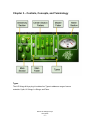
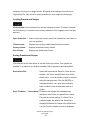
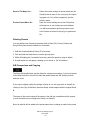
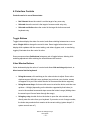
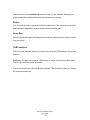
Insert the JJP Strings & Keys plug-in on the track you wish to process.
•
Choose the Type according to your source: Synth, Hi Strings, Lo Strings, or
Piano.
•
Adjust the Sensitivity control until you achieve proper (yellow) levels, as indicated
by the Sensitivity LED.
•
Adjust the various Main Section controls located below the Sensitivity knob to
shape your sound.
•
Use the Center Section faders to adjust the sonic color.
•
If the Clip LED lights up repeatedly or stays lit, lower the Output level fader
accordingly.
JJP has optimized the default settings for each Type. These settings may or may not
require additional adjustment once optimal Sensitivity has been achieved.
Waves JJP Strings & Keys
User Guide
-5-